MDM › Teacher Tools
Reboot
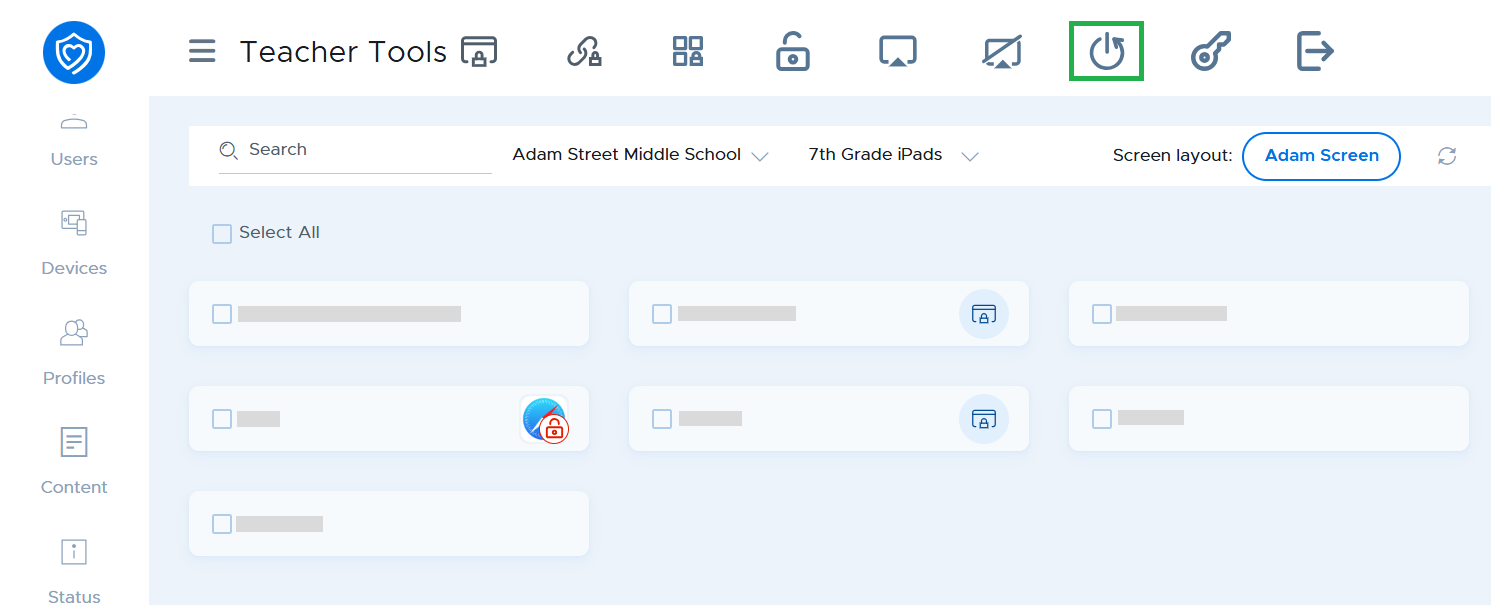
The Reboot function in Teacher Tools lets you easily reboot a student device. Select the device(s) and click the Reboot button*.
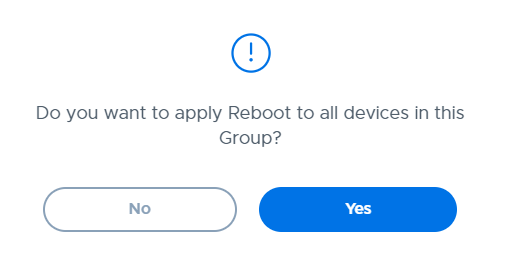
Click the Yes button in the confirmation window.
MDM › Teacher Tools
The Reboot function in Teacher Tools lets you easily reboot a student device. Select the device(s) and click the Reboot button*.
Click the Yes button in the confirmation window.