Pass › Visitor
Emergency Alert
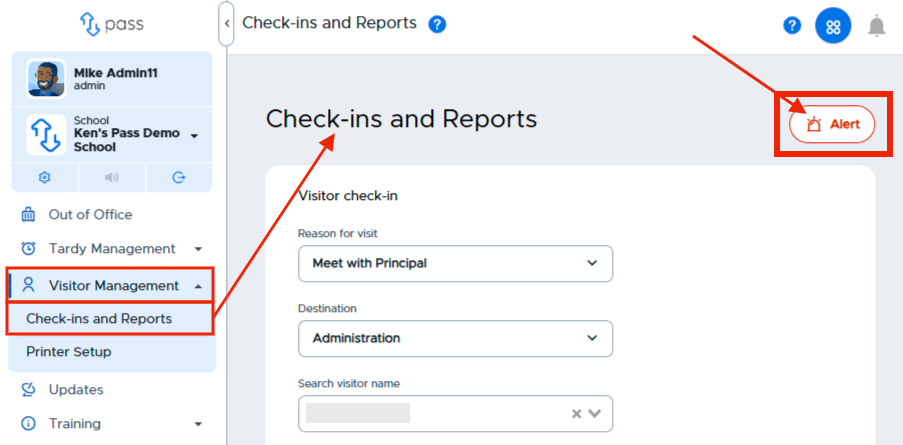
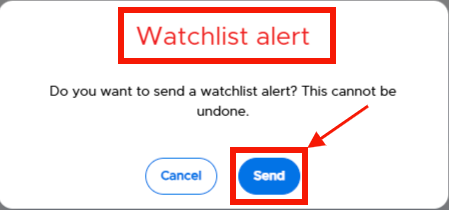
If there is an emergency at check in, the front office staff can click the Alert button (upper right corner). A confirmation popup message will appear for Front Desk Alerts, Sex Offender Alerts, or Watch List Alerts . Clicking send will alert the Emergency Contacts with a text message and email.
Note:The message and contacts can be managed via the Security alerts and List settings respectively.