AI Chat
Enabling or Disabling AI Chat
AI Chat is a free add-on to Securly Filter. To enable or disable AI Chat, go to chat.securly.com.
Click Policy Editor in the left hand menu bar.
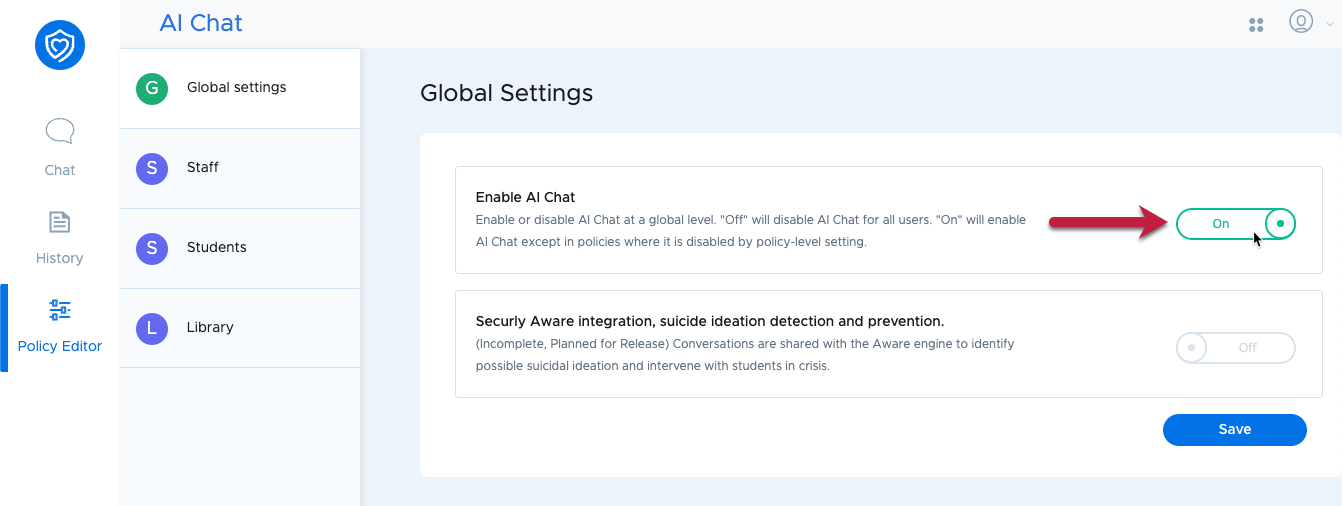
Under Global Settings, switch "Enable AI Chat" to on, then click Save.
AI Chat will now be available to all policies in your school (Policies are defined in Securly Filter). To disable it for a specific policy, click on that policy in the Policy Editor menu and switch "Enable AI Chat" to off.