Pass › Pass Mobile App Guide
Entering a Queue (Students)
If Queue Management is enabled in your school, students will be able to create passes to queue locations and “wait in line” for locations that have met or exceeded their maximum capacity.
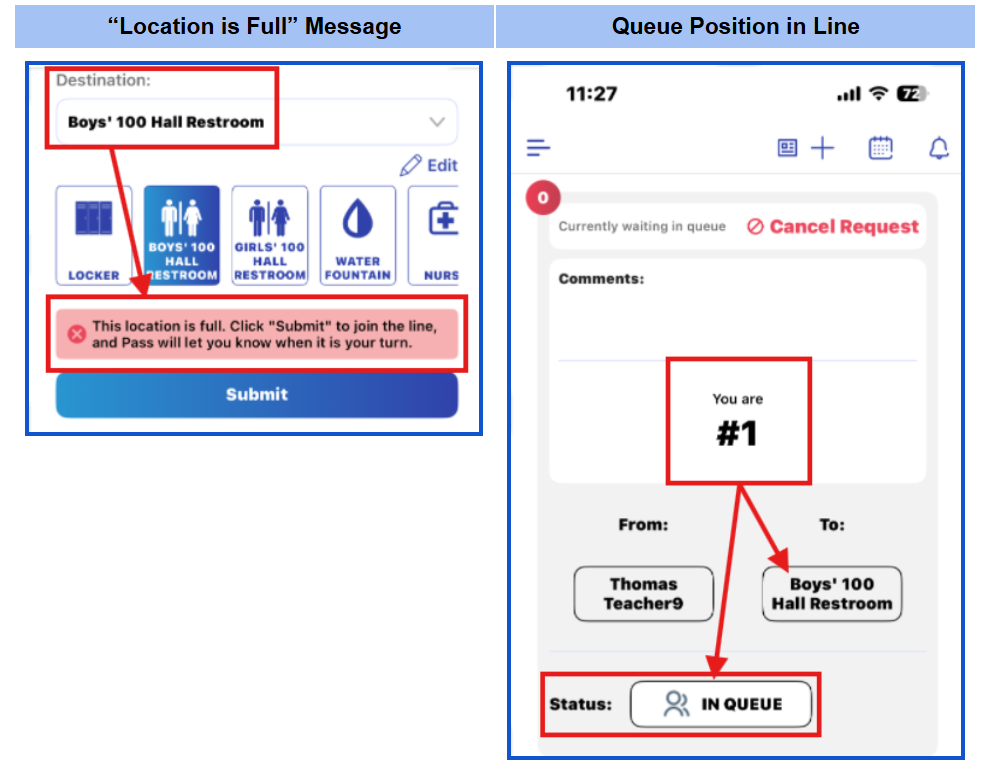
When a student creates a pass to a Queue location that is already full, that student will receive the message “This location is full. Click “Submit” to join the line, and Pass will let you know when it is your turn.” If the student clicks Submit, the student will be informed of his position in line.
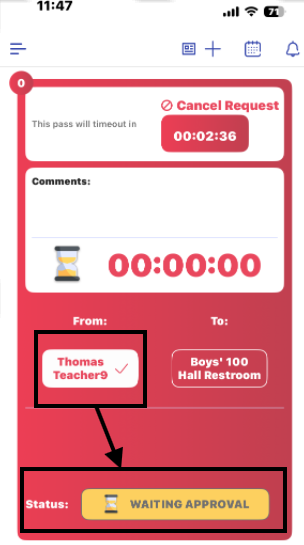
When that location becomes available, the queue position will disappear, and the student’s pass will be WAITING APPROVAL by the teacher.