Filter › Certificates and SSL
How to verify if Securly SSL certificate is installed on Mac OS X
To ensure that Securly is able to granularly filter HTTP sites, a Trusted Root Certificate is required. Below are the steps to verify if the certificate has been installed on your Mac OS X.
1. Navigate to Applications > Utilities > Keychain Access.
2. Double-click to open Keychain Access.
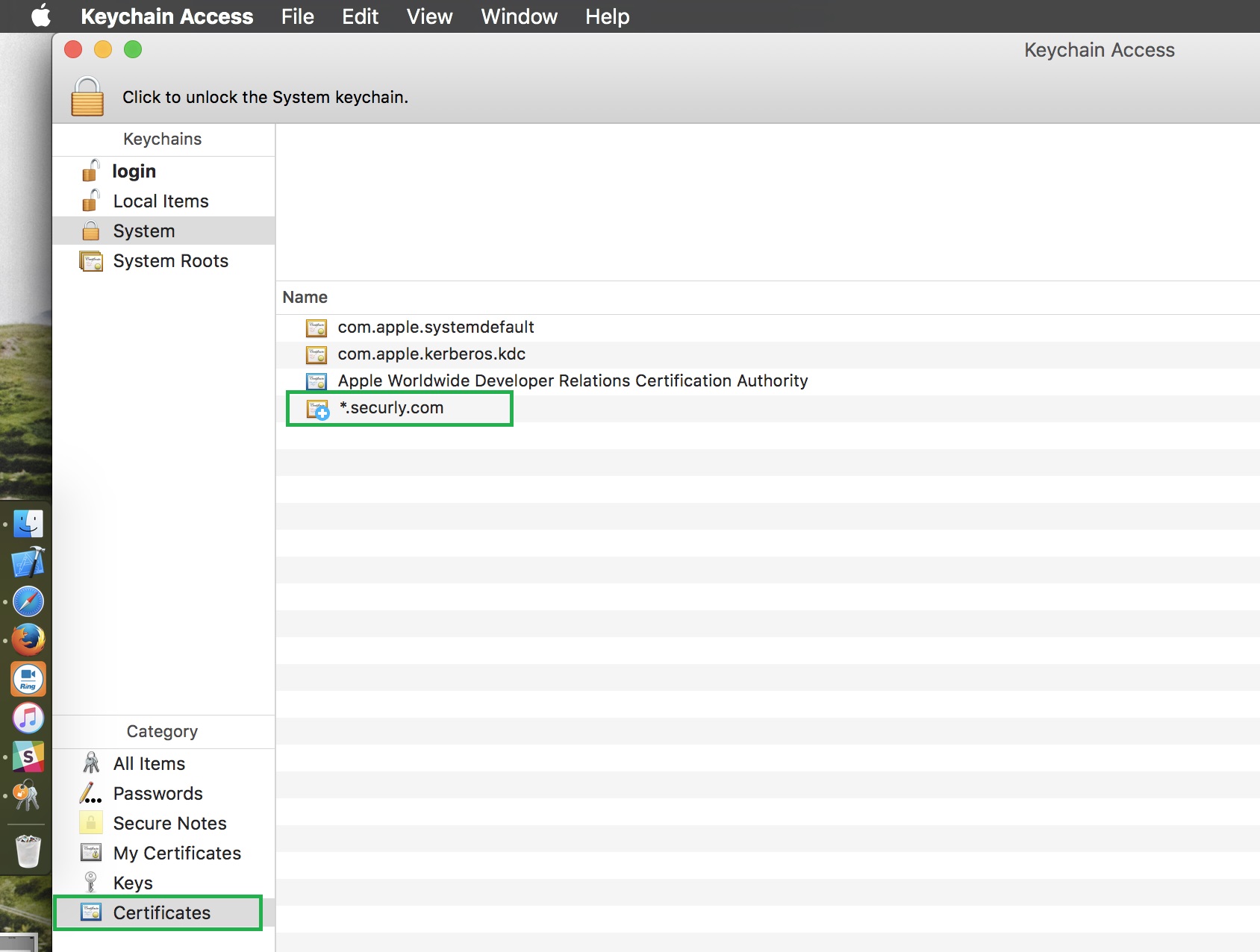
3. Select the “System” keychain, select Certificates under Category, and look for the *.securly.com SSL certificate.