Aware › Cases
Analytics Overview
The Aware Case Manager analytics dashboard is where you find metrics pertaining to how effectively responsible parties are tackling cases and resolving student concerns. The key metrics displayed in this area include the total case count, the response time to address a case, and the time logged by analysts/concerned staff.
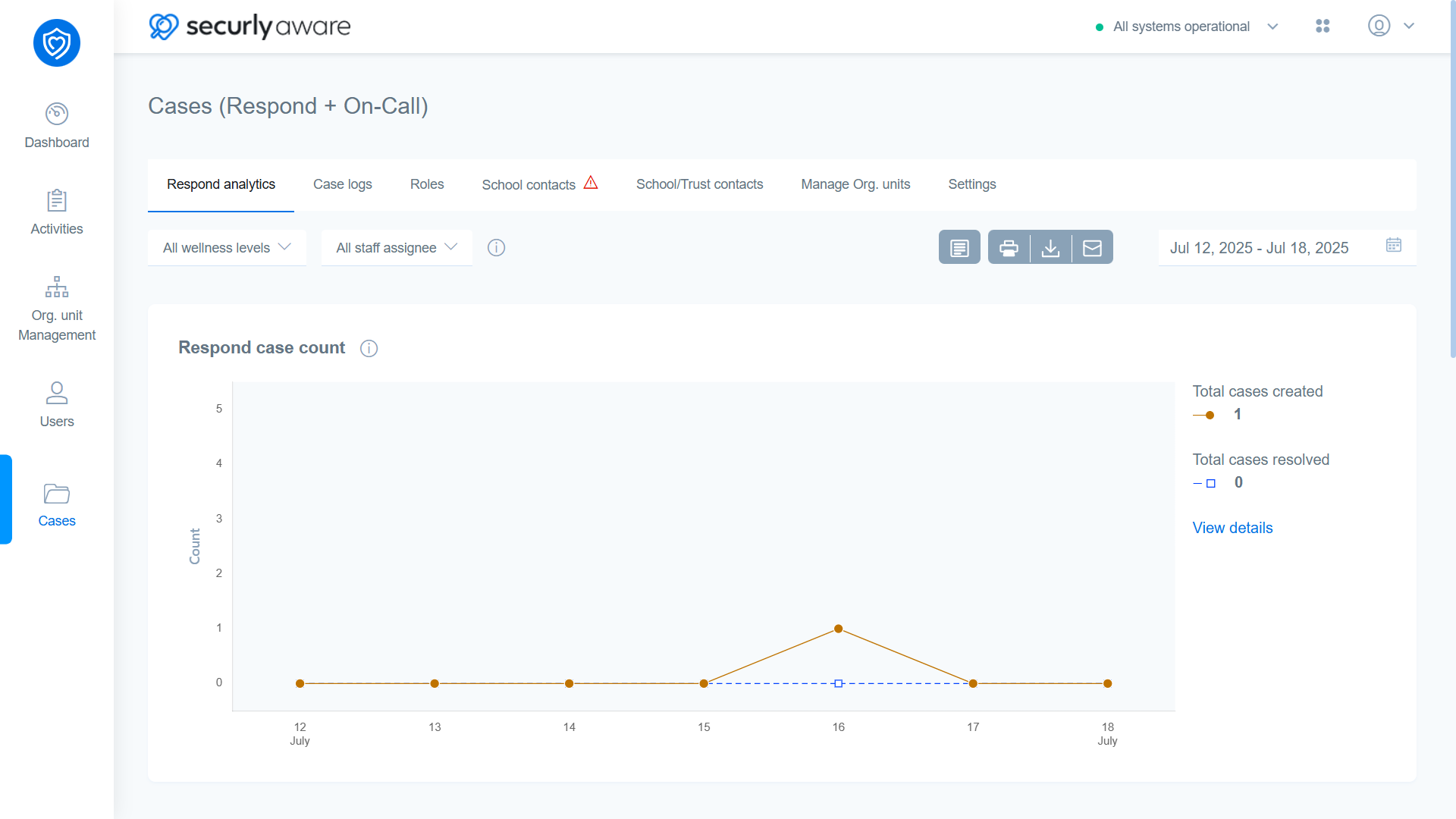
At the top of the analytics dashboard, you have the option to show data specific to a wellness level or assignee using the dropdown menus. On the far right, you have the date range selector wherein you can select a maximum range of up to 30 days. Left to the date range selector, there are four action buttons:
- Student report
- Print report
- Download report
- Email report