Filter › Policy Management
How to Change the Policy Assigned to a Custom Group
Yes, you can change the policy assigned to the Custom Group as required.
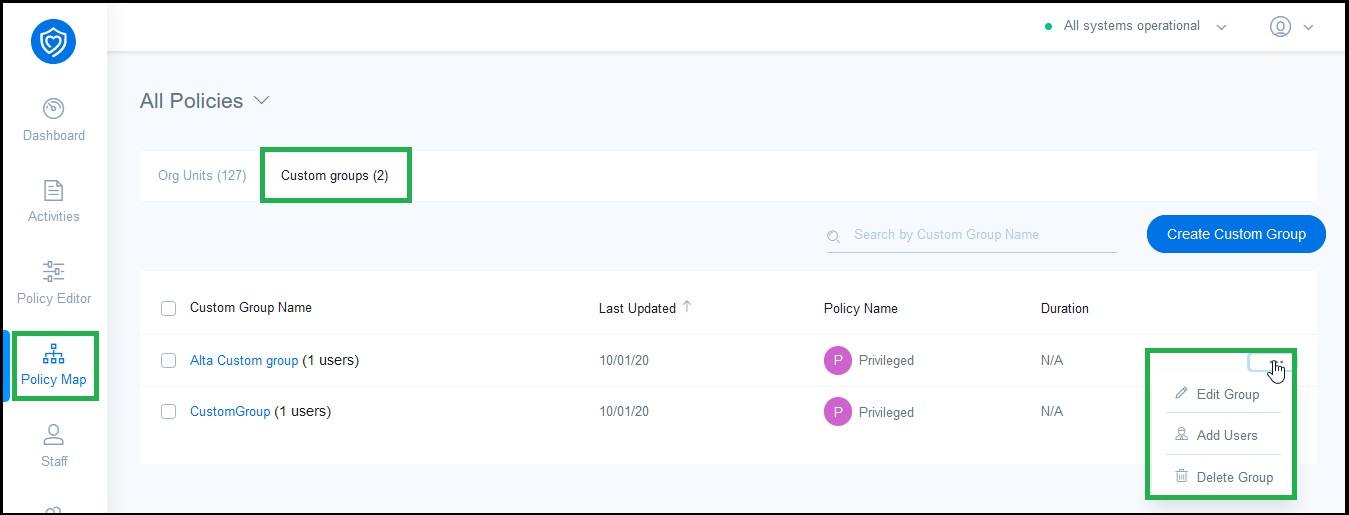
- Log in to Securly Filter and navigate to the Policy Map.
- Select the policy you want to modify for the Custom Groups. You can also select All Policies.
- Go to the 'Custom Groups' tab and click the more icon (...) to view the 'Edit group' option.
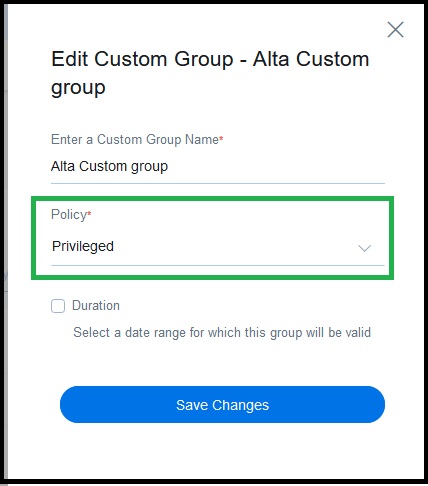
- From the Policy dropdown, select the policy you want to apply to the group.
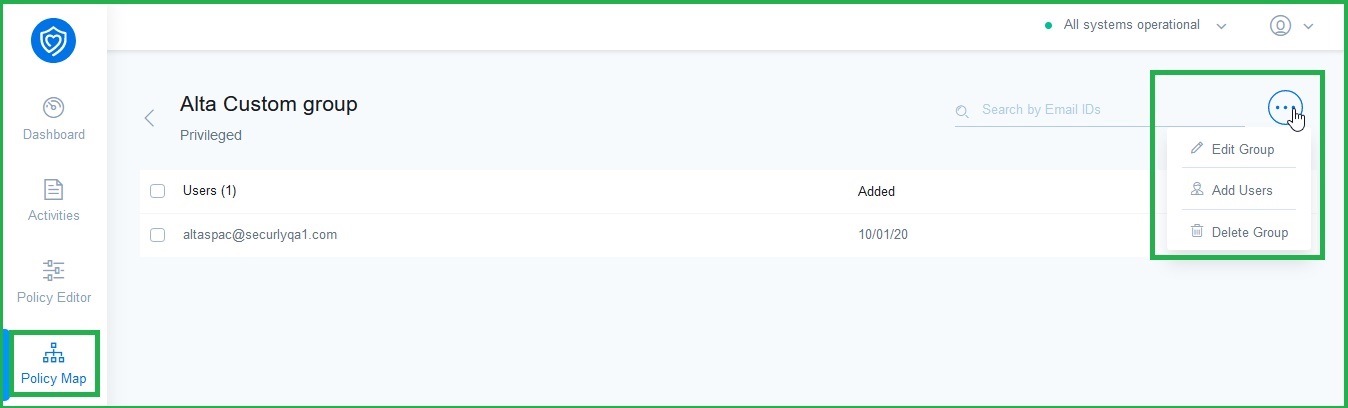
- Alternatively, you can click on the name of the Custom Group to view its details and select 'Edit group' after clicking the more icon (...).