Pass › Visitor
Enable Visitor Self Check Out
This functionality allows guests or visitors to check themselves out of the building at the Kiosk (iPad). The front desk staff or any school personnel are not required to be present during check-out
To Enable Visitor Self Check-out, slide the toggle to the right.

It is possible to configure check-out on some or all of the iPads the school uses for checking in guests. Once the feature has been enabled from the Kiosk Settings, it will be available by default on all iPads in your school that have the Visitor app. You can choose to configure only the check-out option or remove it completely as well from a specific iPad.
Follow these steps if using an iPad:
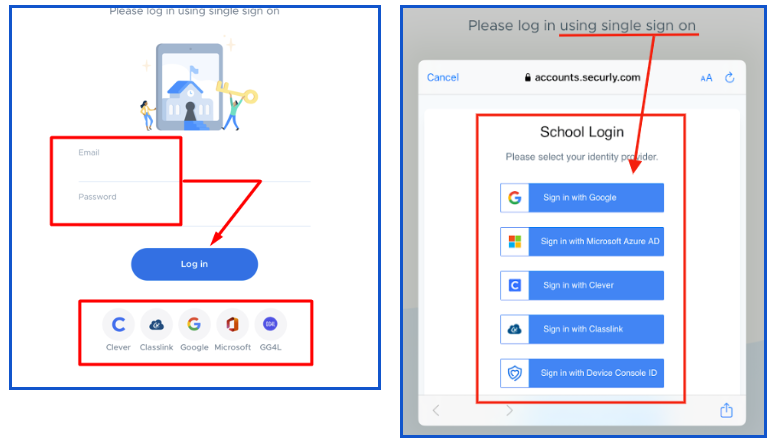
- Log in to the Visitor iPad app.
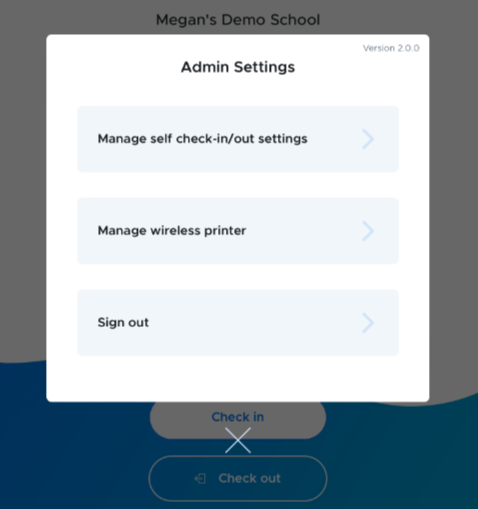
- Double tap with two fingers to access the admin settings.
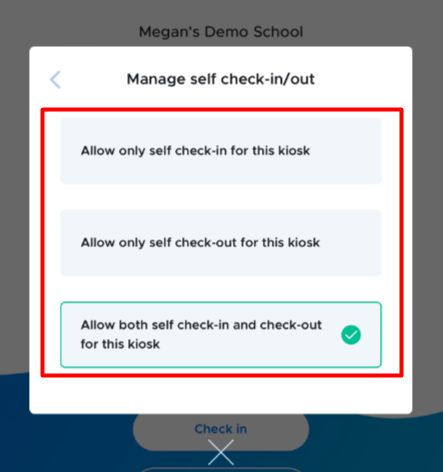
- Click on Manage self check-in/out setting and select the appropriate check-in/out option.
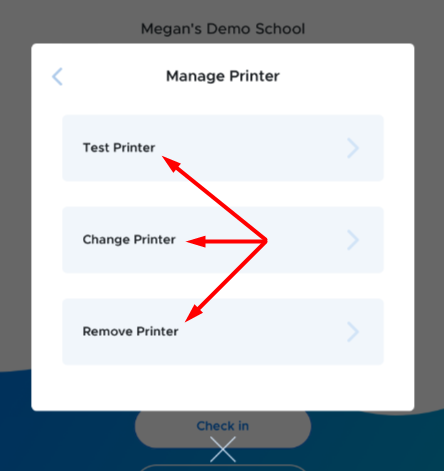
- Click on the appropriate Printer options.
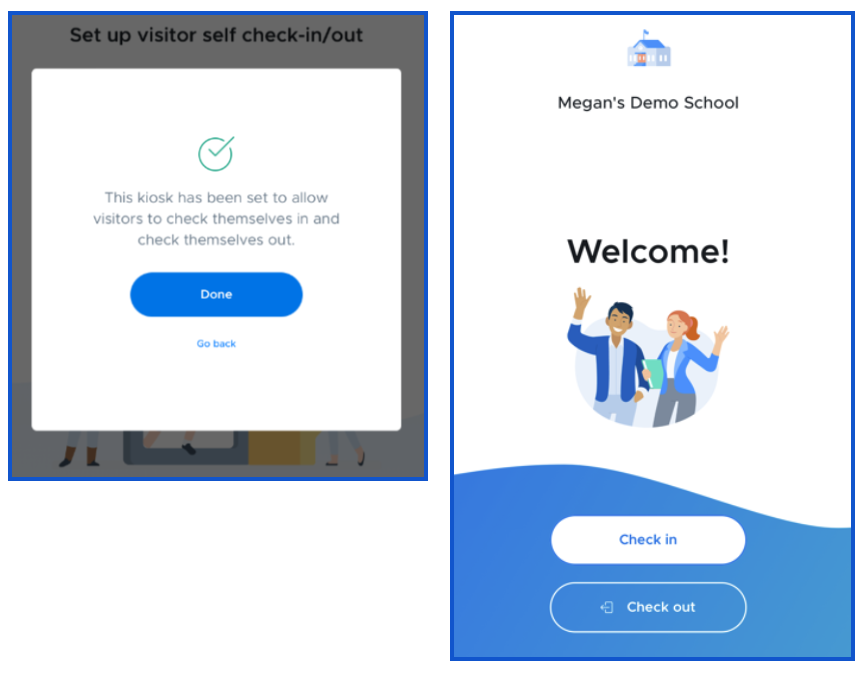
- The check-in/out buttons will appear on the Welcome screen of the Visitor app.