Classroom › Classes
Excluding and Including students from a class session
Students can be excluded or included from a class session either before the class session begins, or during the session. This functionality is useful if a student is absent, arrives to class late, or needs to leave class early.
Before starting a class session
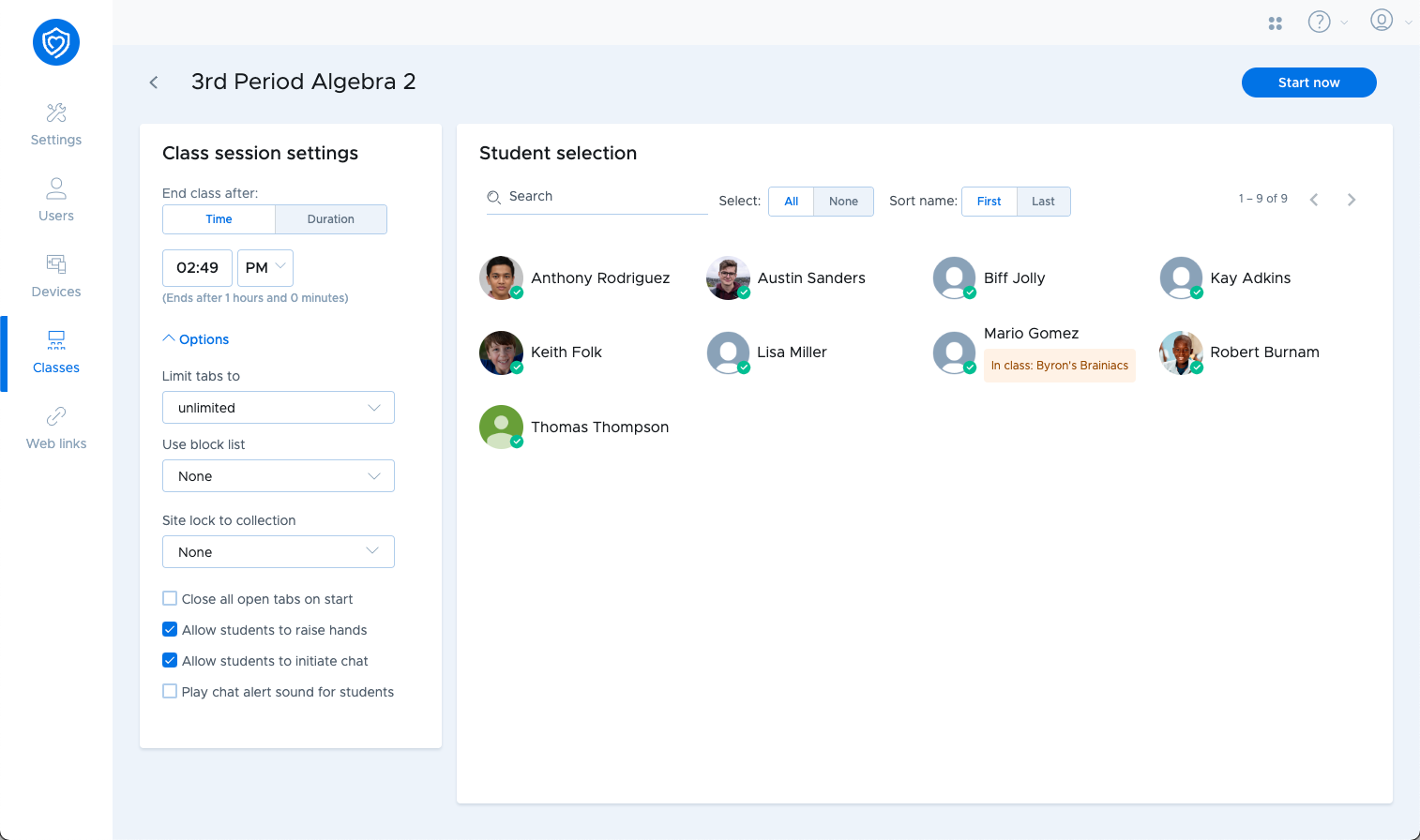
You can exclude students by using the student selection menu that appears before starting a class session. All students are included by default, indicated by a green checkbox. Click any student to deselect them, marking them as excluded from that class session.
While running a class session
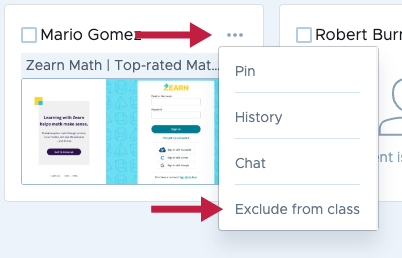
To exclude a student while a class session is running, click the student options menu in the upper right corner of the student card, and then select Exclude from class.
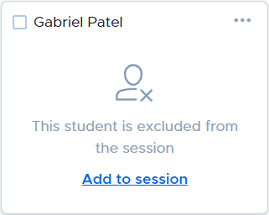
When a student is excluded from a class session, their student card will change to reflect this status. You can click Add to session to include the student in the class session.