Aware › Managing Account Settings
Quarantine
Under the quarantine tab, you control various aspects of how images and videos are stored and released.
Assigning destination for storing quarantine emails and images
The email address provided in the entry field will store and have ownership of all quarantine email and images. This feature requires a dedicated email inbox for the district/school to store quarantined files to prevent nude images from being viewed, stored, or transferred across the admin's cloud drive or Google Drive. Access to these files will also be more restricted.
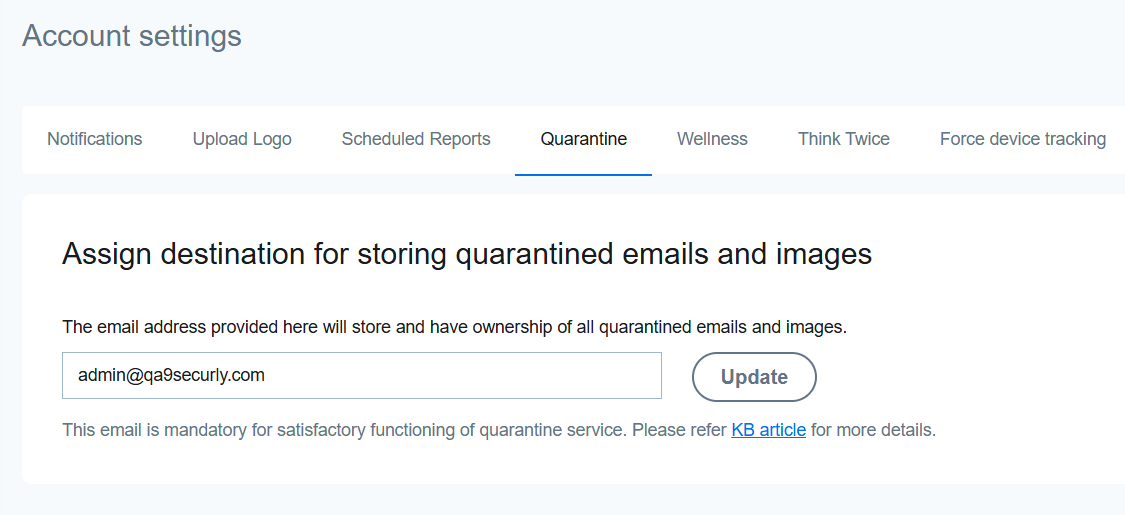
Quarantined files will be stored for up to a year. If not set up, the feature will stop working, and files will be flagged but not quarantined.
Note: Ensure to use an email address from your registered school domain, and periodically review and clean out the inbox to ensure all files are managed properly.
Quarantine images, videos, and emails marked as nudity and pornographic content
When this setting is enabled:
Images and videos flagged for nudity or pornography in Google Drive will be quarantined, and the owner's access will be restricted. However, images from other sources can't be quarantined.
Emails with flagged image attachments will be quarantined and removed from the recipient's inbox and the sender's outbox.
Google Docs files containing any flagged image will be quarantined and removed from the Drive of the owner, viewers, and editors. Please note that unblurring of embedded images is not supported.
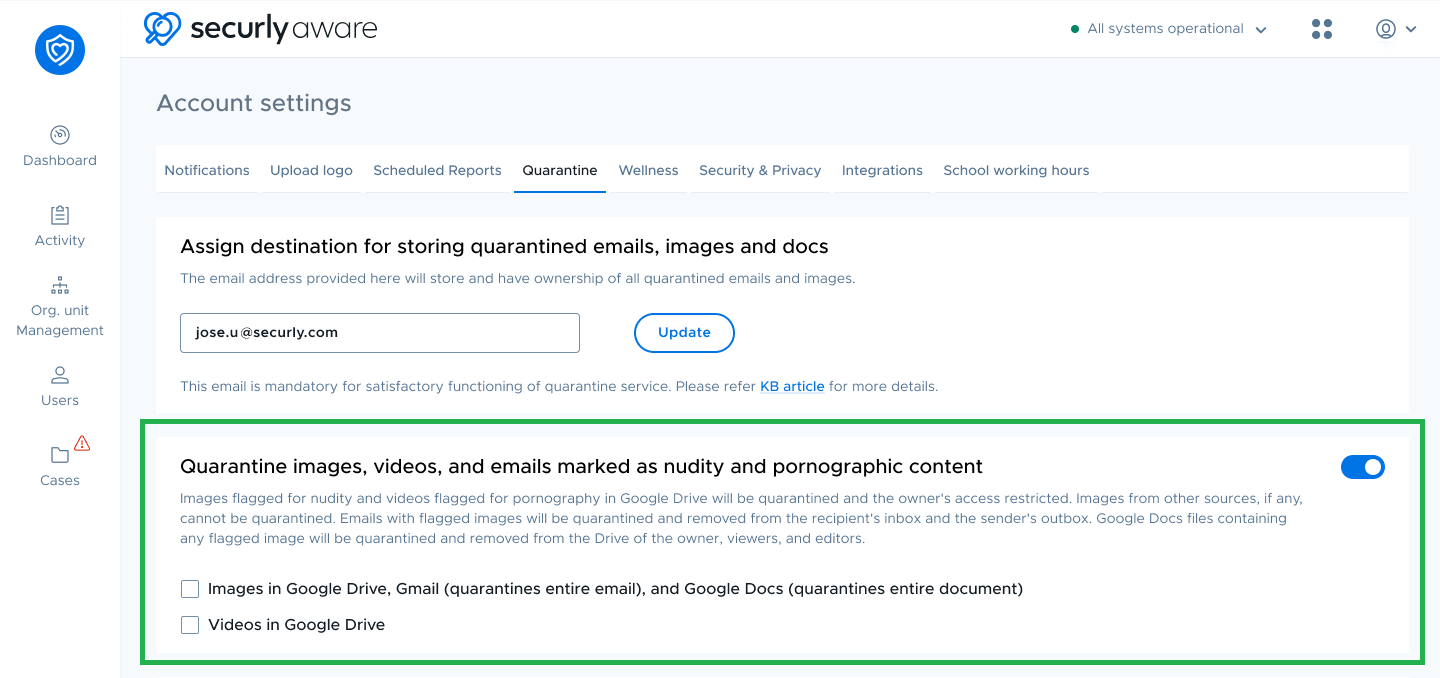
Under this setting, you have the option to just quarantine images or just videos using the checkboxes (as shown above).
Quarantine emails marked for bullying and voilence
Scrolling down further under the Quarantine tab will take you to the option to enable email quarantine for bully and violence categories.
