Aware › Aware Case Manager
Muting documents
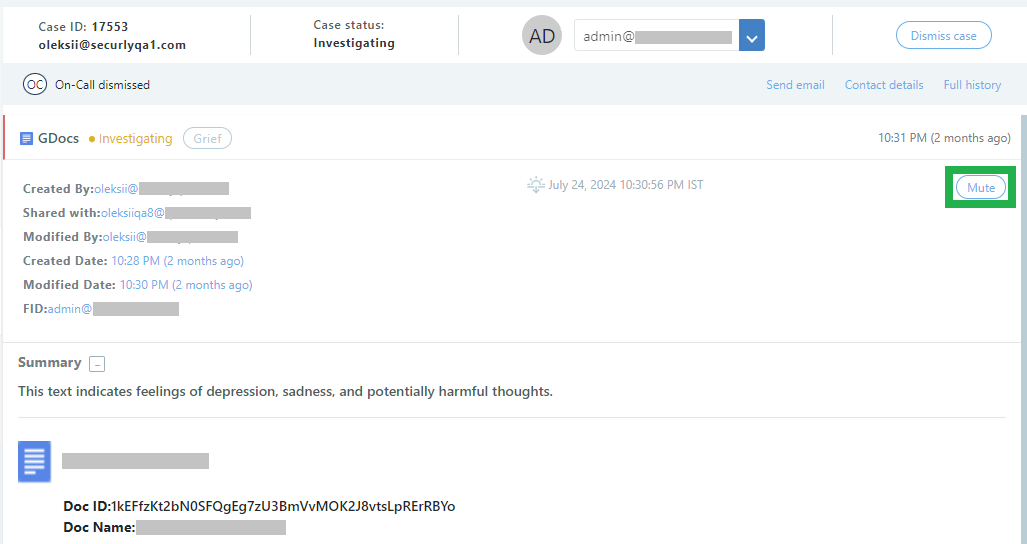
If a case item is flagged that does not need to be seen again (for example, fiction written by students or something that is clearly homework that does not have a personal reflection component) you can suppress alerts for that particular case item by muting it. Click the Mute button in the upper right to mute the doc.
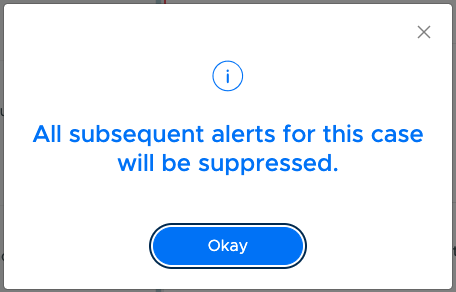
A confirmation popup will appear. After you click 'Okay', alerts/case creation for the concerned item will suppressed for next 30 days.
The Mute button is only visible if a case is assigned. To mute an unassigned case, you can assign it to yourself and then click Mute. This works for Google Docs, Sheets, Slides, and Gmail.
If an item is accidentally muted, please reach out to Securly Support to have this reversed.