MDM › Managing Content
Setting a background image for a Screen Layout
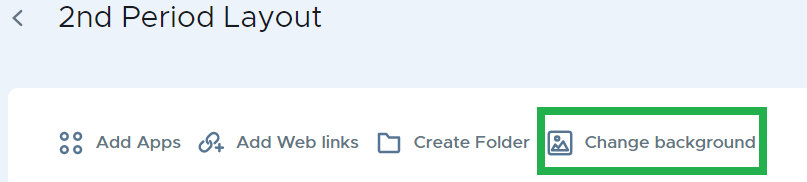
When editing a screen layout, click on Change background to select an image.
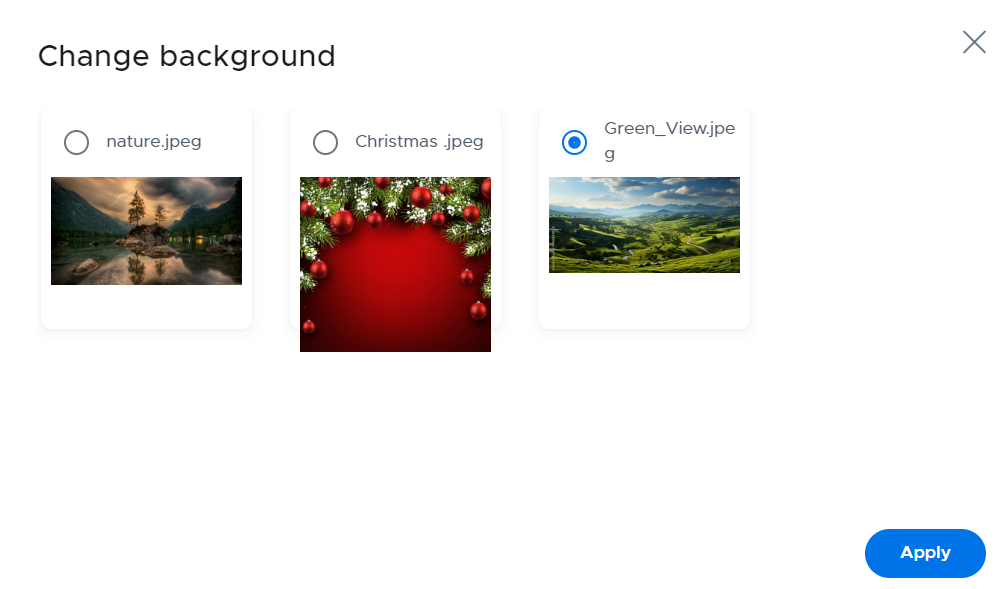
Select the background and click on the Apply button.
To upload new images, refer to the Setting / Backgrounds section of this guide.