MDM › Managing Devices
Viewing iPad Security Info
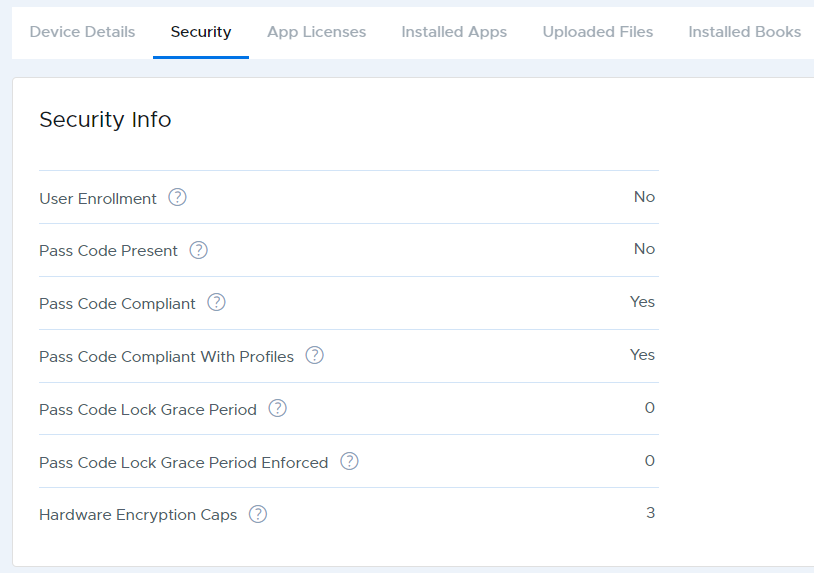
Security information for a device can be found by selecting an iPad from a device group list and switching to the Security tab. Click on the "?" icon next to each item listed for a description of that item.