MDM › Managing Classes
Adding Members to a Class
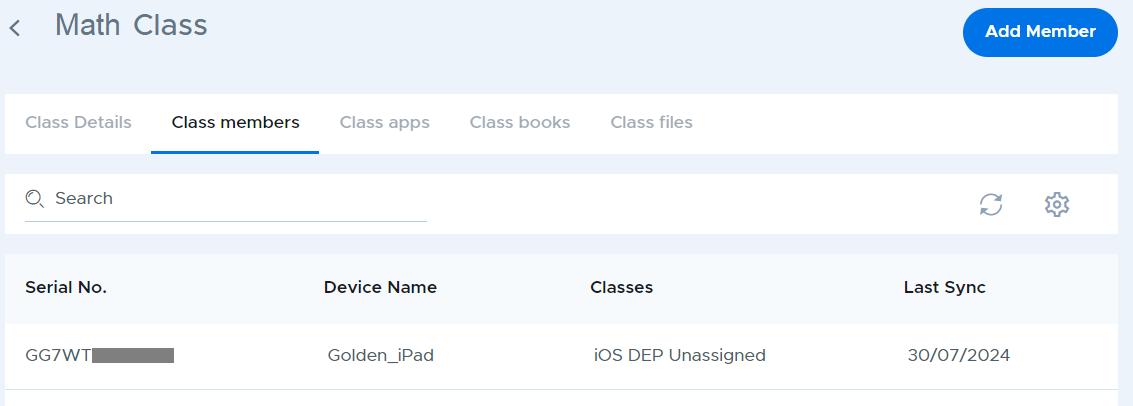
To add members to a class:
- Click the desired class from the class list table.
- Navigate to the Class members tab and click the Add member button.
- Use the checkboxes to choose the users you wish to add to the class then click the Add devices at the bottom of the window. Notice that the Classes column indicates other classes that each device belongs to.
- To find student devices faster, try searching for part of the student name in the search box. This assumes that your device names include the student name.