MDM › Managing Profiles
Cloning or Deleting Restriction Profiles
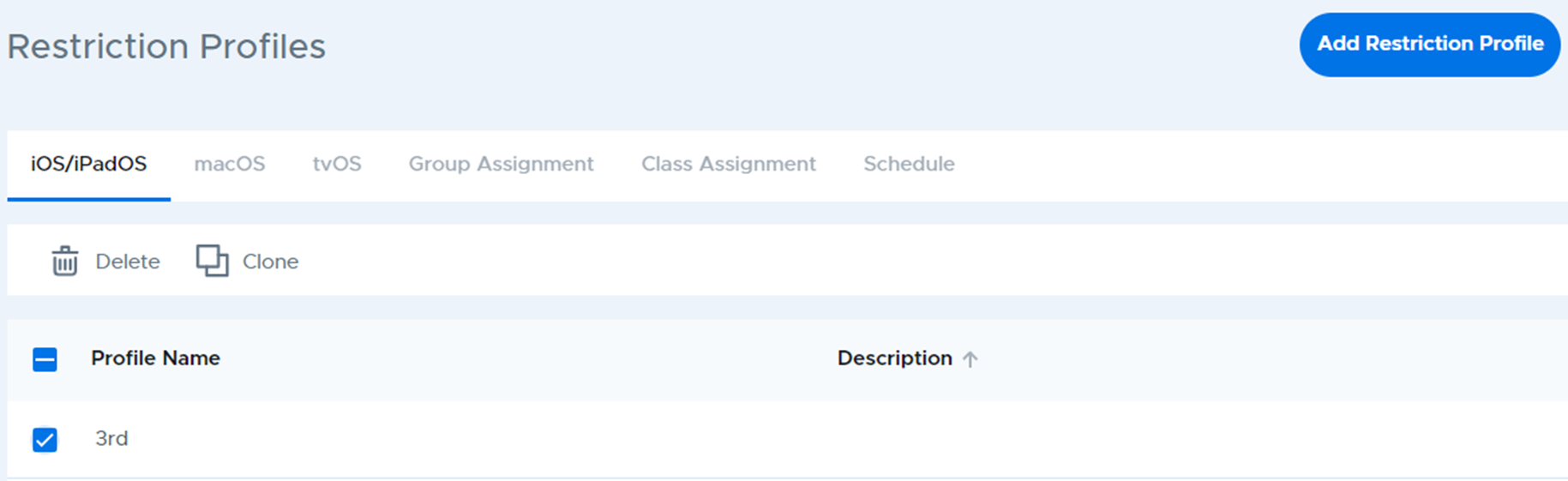
To clone (make a copy) or delete a restriction profile, select the profile from the list, then use the Delete or Clone button in the action bar at the top of the table.
MDM › Managing Profiles
To clone (make a copy) or delete a restriction profile, select the profile from the list, then use the Delete or Clone button in the action bar at the top of the table.