Aware › Cases
Syncing Org. Units for Case management
Click the "Import OUs" button to start the process. You will be required to authenticate yourself. If you are an existing user, you would not need to import OUs again.
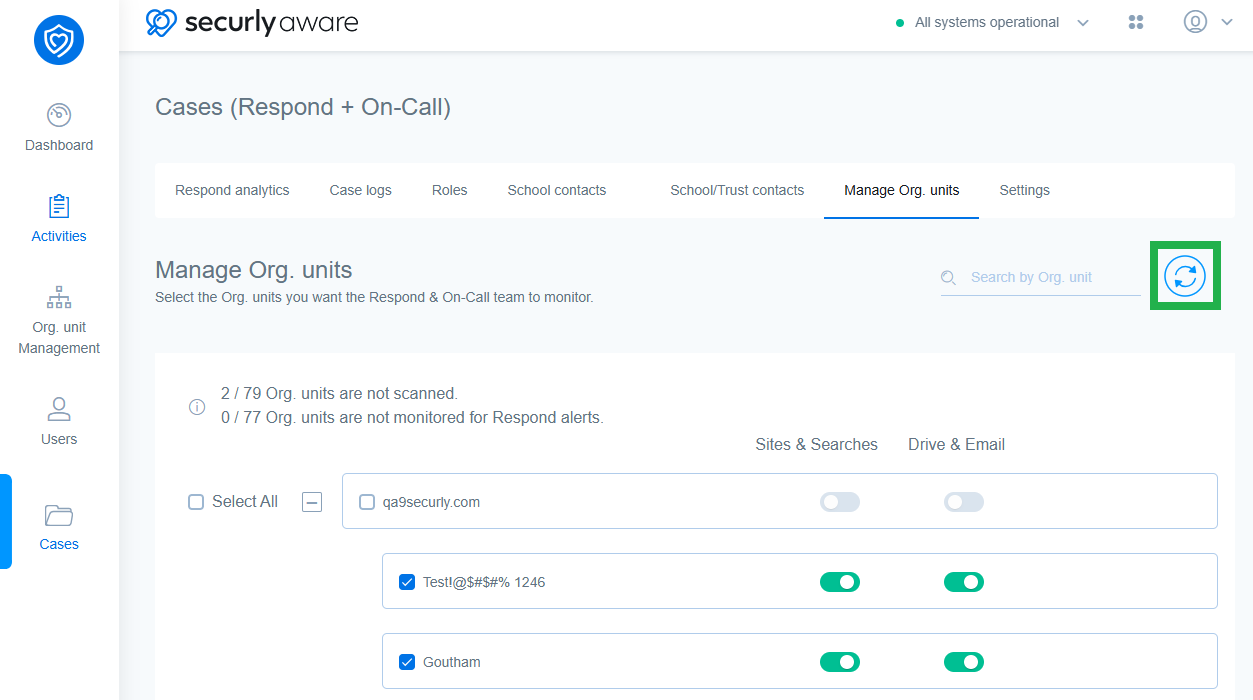
Here you will see a complete list of your OUs and can select which OUs you want covered by the response team. You can use the toggle buttons for Sites & Searches and Drive & Email next to each OU to tell us what you want to enable the Securly scanning for.