MDM › Managing Devices
Checking App Licenses Assigned to an iPad
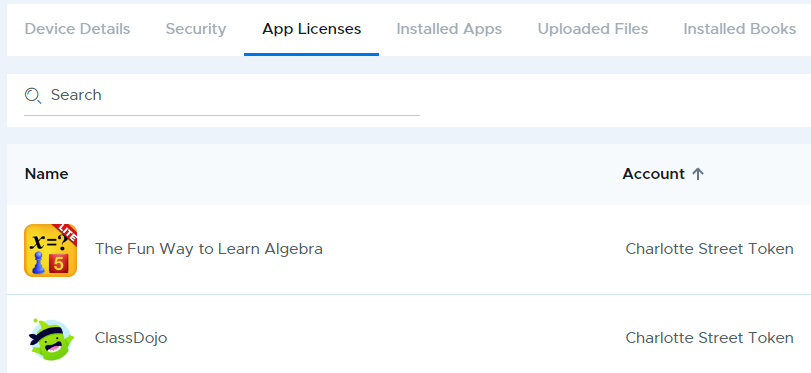
A list of app licenses assigned to a device can be viewed by selecting an iPad from the device group list and switching to the App Licenses tab. Apps listed here may be assigned to the device due to a school assignment, group assignment, class assignment or device assignment. The Account column will display the name of the ASM location token from which the app was assigned. If an app was assigned from multiple tokens, it will appear multiple times in the list.