MDM › Managing Content
Adding, removing, and rearranging screens
To add a screen, click on the '+' icon.

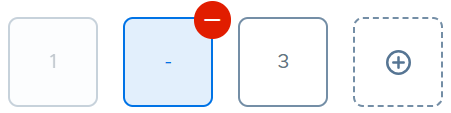
To remove a screen, remove all icons from the screen. The counter in the screen box will change to the minus sign. Click on the red minus button to remove the screen.
Note
To delete a screen, it must be empty. You cannot delete the screen if it contains even a single item (app, folder, or weblink).
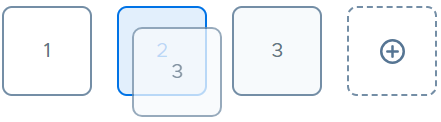
To change the order of the screens, drag the screen box to a new location along the bottom.