MDM › Settings
Managing ASM Accounts
Adding a new account is covered in the Setting up Automated Enrollment section of this guide.
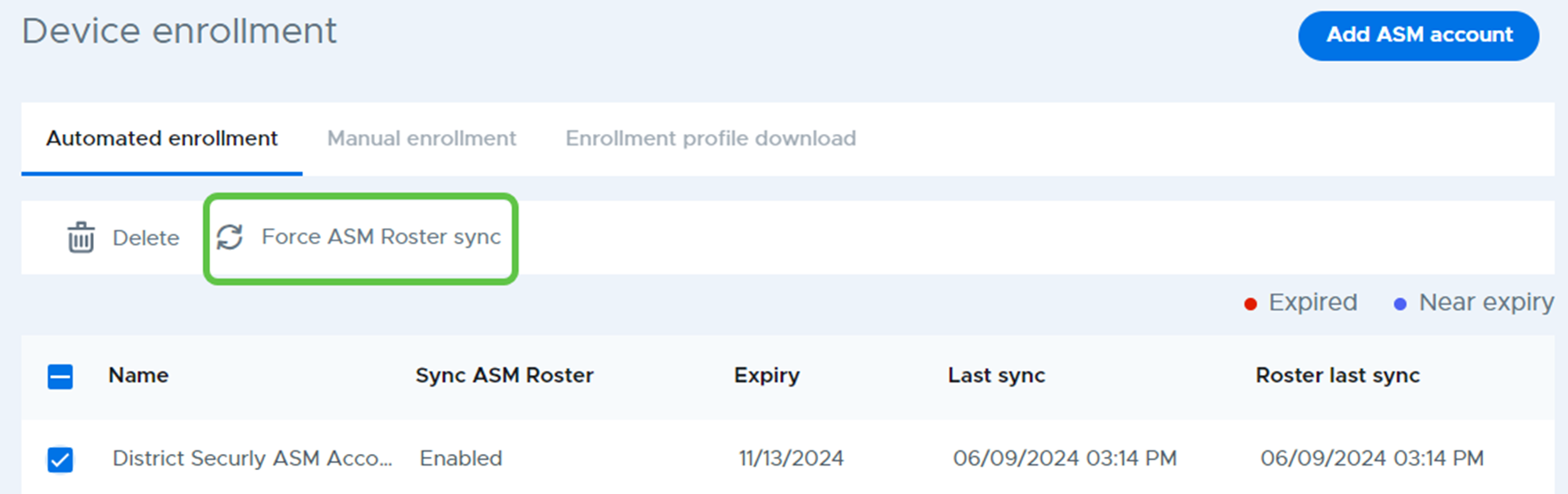
Forcing an ASM Roster sync
An immediate roster sync between Securly and an ASM account by selecting the account from the ASM account list and clicking Force ASM Roster sync from the action bar.
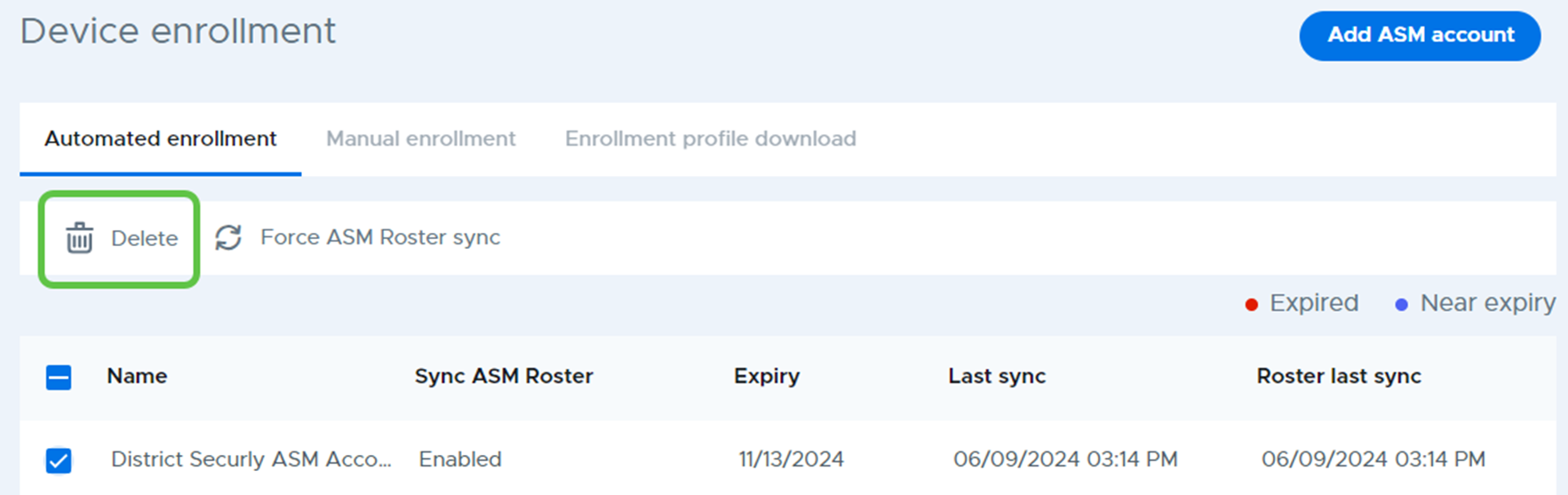
Deleting an ASM Account from Securly MDM
An ASM account can be removed from Securly MDM by selecting the account from the ASM account list and clicking Delete from the action bar.