MDM › Managing Profiles
Global Proxy configuration
Use the Global proxy tab to configure a global proxy for this profile. There can only be a single global proxy per profile.
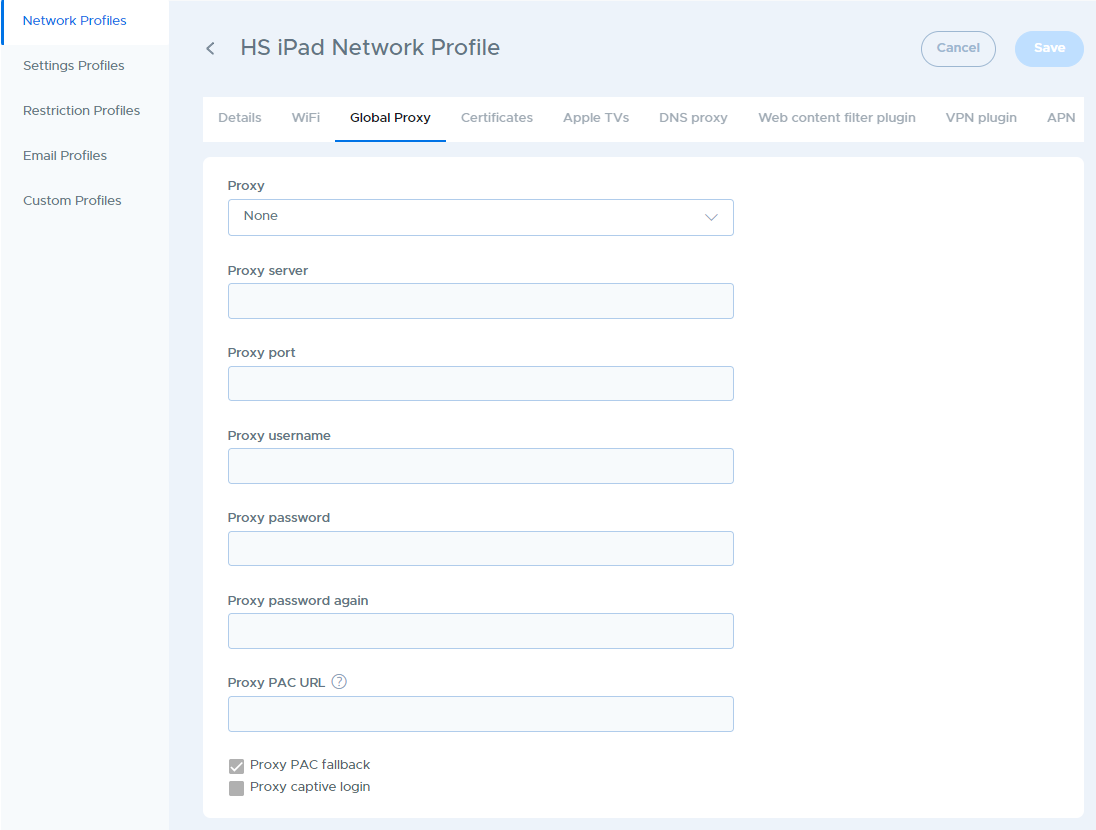
Once sent to the device, the Global Proxy will be in effect regardless of which WiFi network the iPad user connects to. For schools, this is the solution for forcing all Internet traffic back through your filter when the iPads are used off-site.
CautionBe careful when configuring a Global Proxy. If you configure the Global Proxy in error and send that to the devices, they can lose connection to the Internet completely, which can prevent them from receiving a corrected profile.