Aware › Cases
Case Management Settings
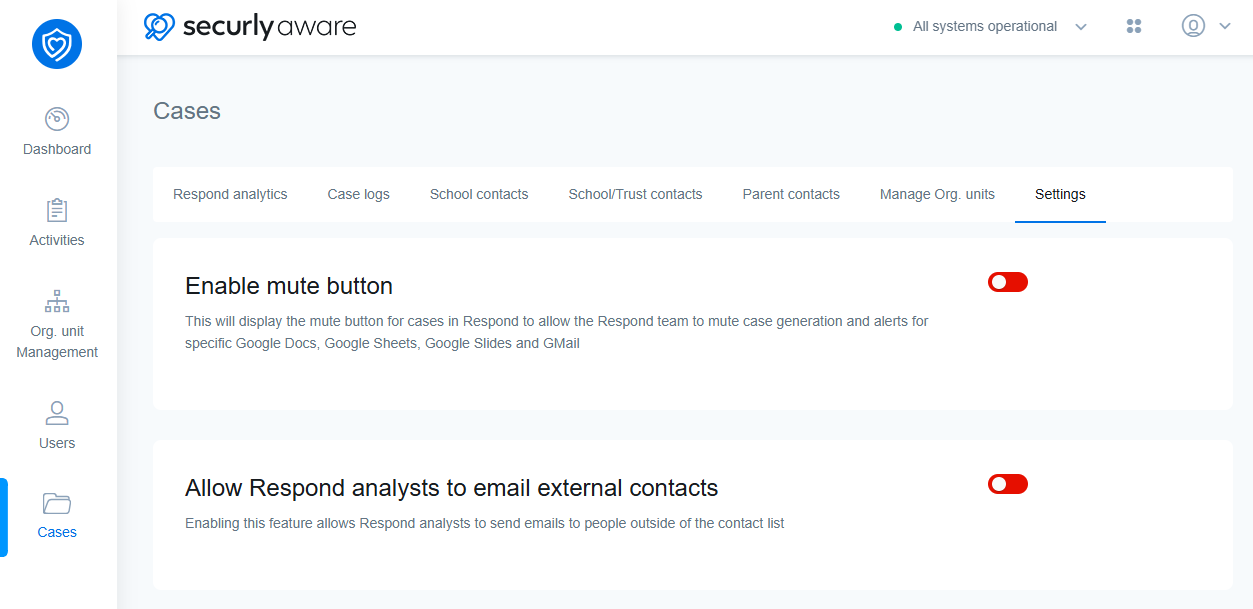
Enable mute button
This will display the mute button for cases in Case Manager to allow the response team to mute case generation and alerts for specific Google Docs, Google Sheets, Google Slides, and GMail. Learn more about how muting works.
Allow analysts to email external contacts
Enabling this feature allows analysts to send emails to people outside of the contact list. Analysts will be able to enter third party emails when building the alert email forms. Learn more about how alerts are sent by the response team.