Aware › Managing Account Settings
Enhanced Privacy Settings
Enabling Enhanced Privacy mode will make two major changes across Aware, On-Call, and Case Manager:
- The Activities menu and any student information displayed in On-Call and Case Manager will be hidden.
- Email alerts for nudity and gun-term searches will be stopped, but email alerts for bullying, self-harm, and violence will continue.
Enhanced Privacy mode is enabled by default in some areas due to local regulations.
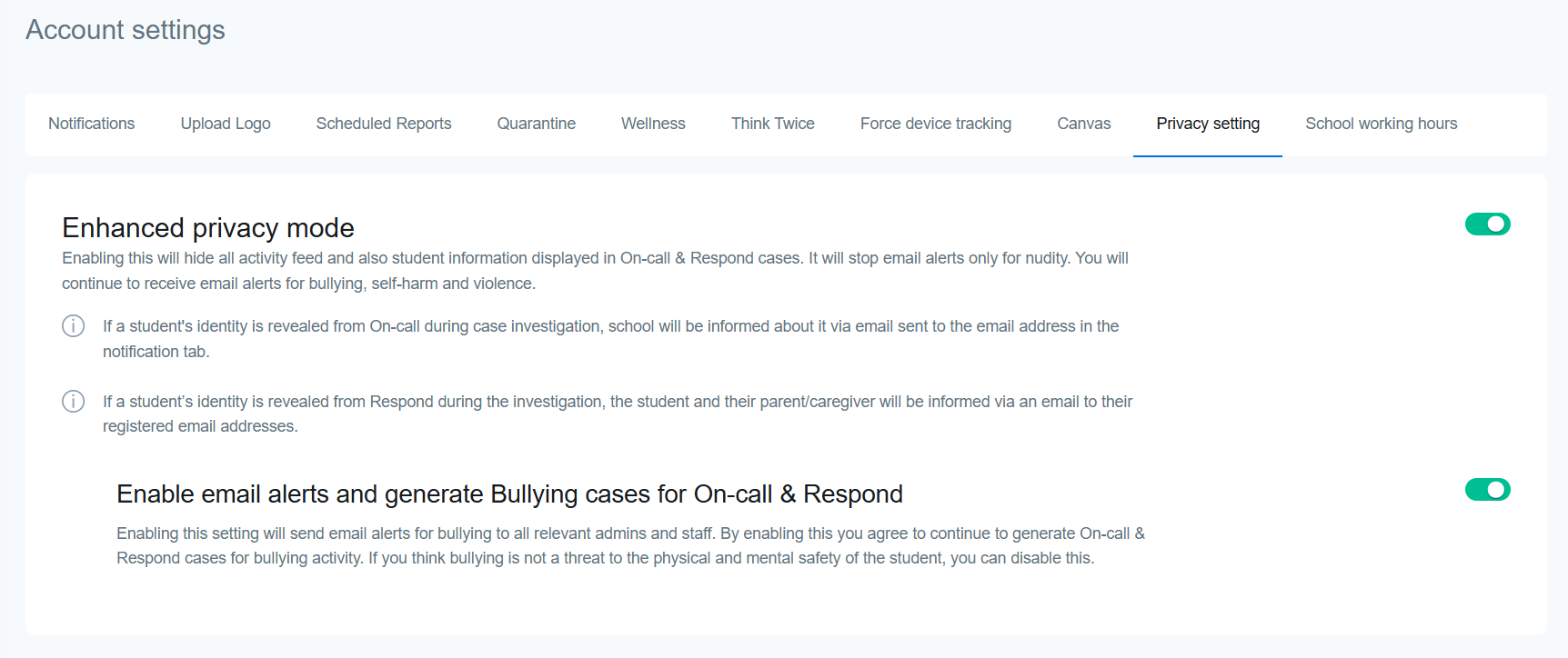
When Enhanced Privacy mode is on, if a student's identity is revealed during to the On-Call team during a case investigation, you will be informed via email sent to the email address in the Notifications tab.
If a student’s identity is revealed during an investigation, the student and their parent/caregiver will be informed via email to their registered email addresses.
Enabling the sub-setting Enable email alerts and generate Bullying cases will send email alerts for bullying to all relevant admins and staff.