MDM › Managing Devices
Checking the list of installed apps for an iPad
A list of all apps installed on a device can be found on the Installed Apps tab of a device. This list will contain both managed (installed by MDM) and unmanaged (default apps or those installed by the user).
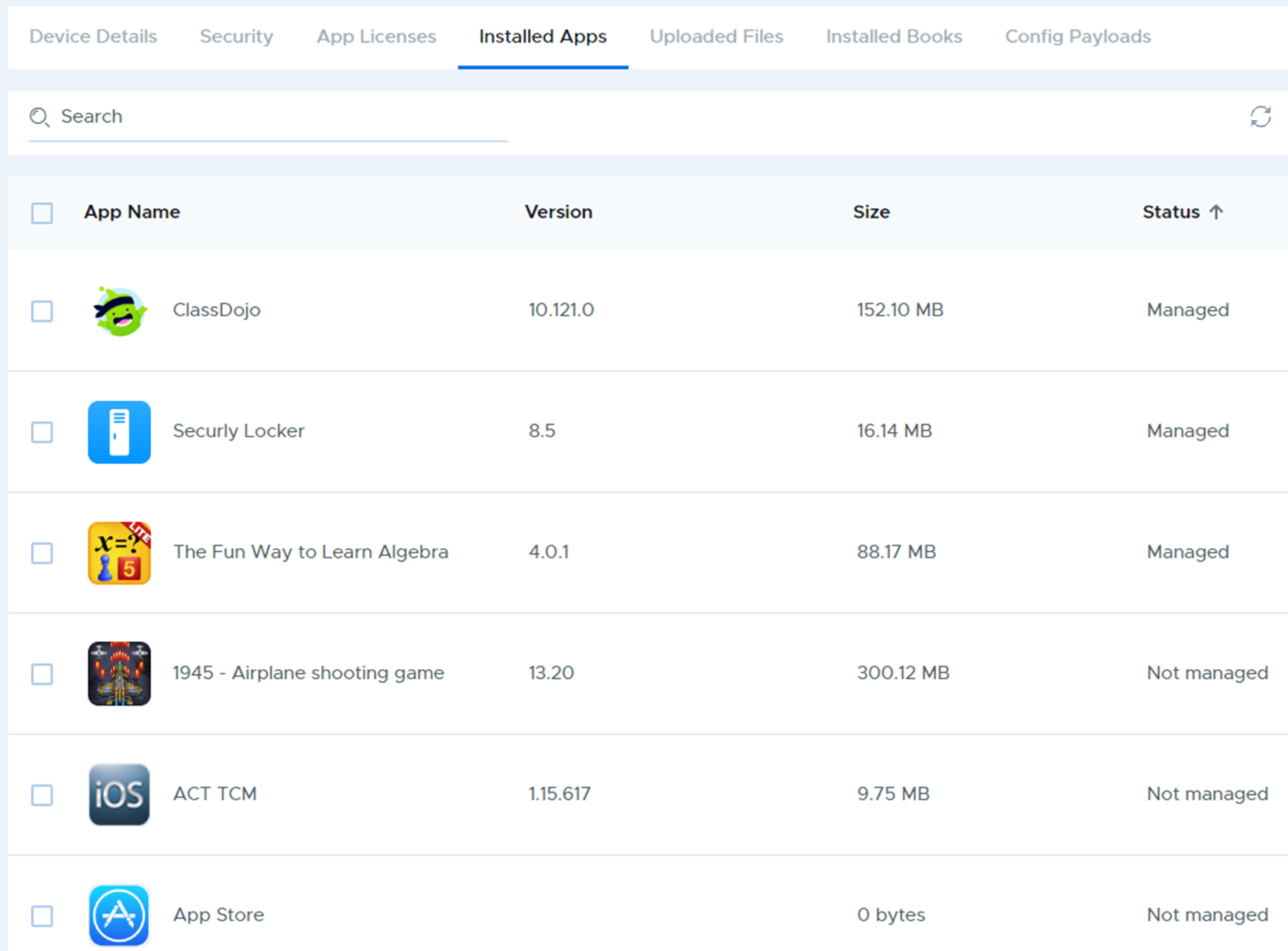
The list of installed apps is only updated when the device syncs with Securly MDM, which might not happen for several hours. To force a refresh, which will fetch and updated list of installed apps, use the "Refresh" icon at the top right of the installed apps list
