MDM › Managing Devices
Editing Custom Field Information for an iPad
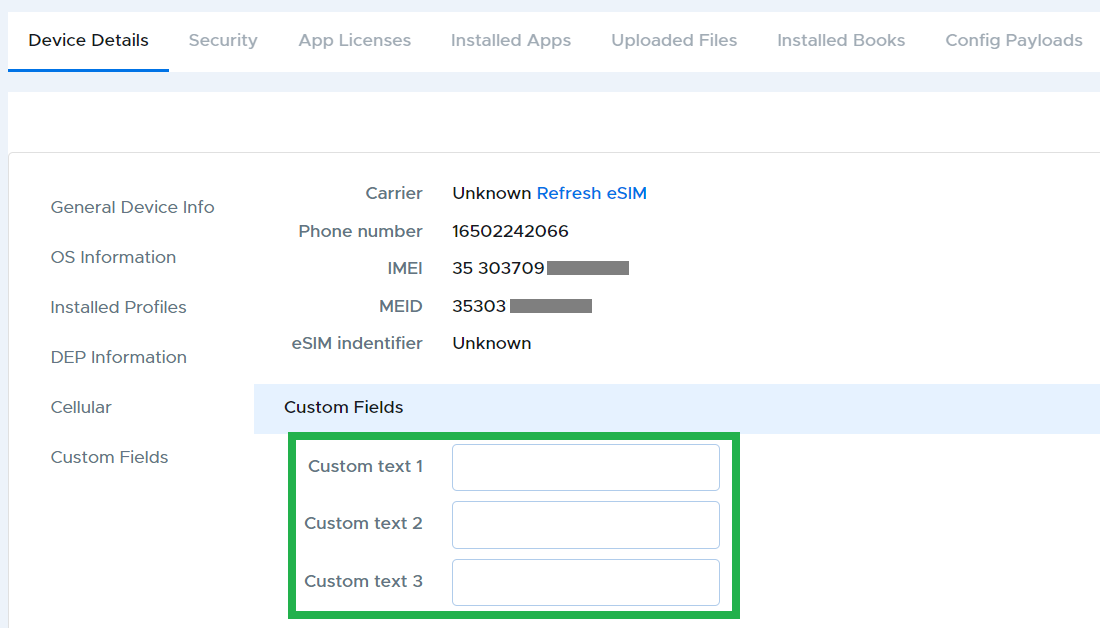
There are three custom fields available for iPads, which are named and configured in Settings by the administrator. To change the values in these fields, go to the Device Details tab for the device, scroll to the bottom (or select Custom Fields from the left-hand index), edit the needed fields and click Save.