Classroom › Web Links
Web Link Collections
Web links can be added to a group called a "Collection". A collection is represented by a folder in the web links list, with the Sites column showing the number of sites in the collection.
To add a new Collection, go to the Web links menu and click Add Collection.
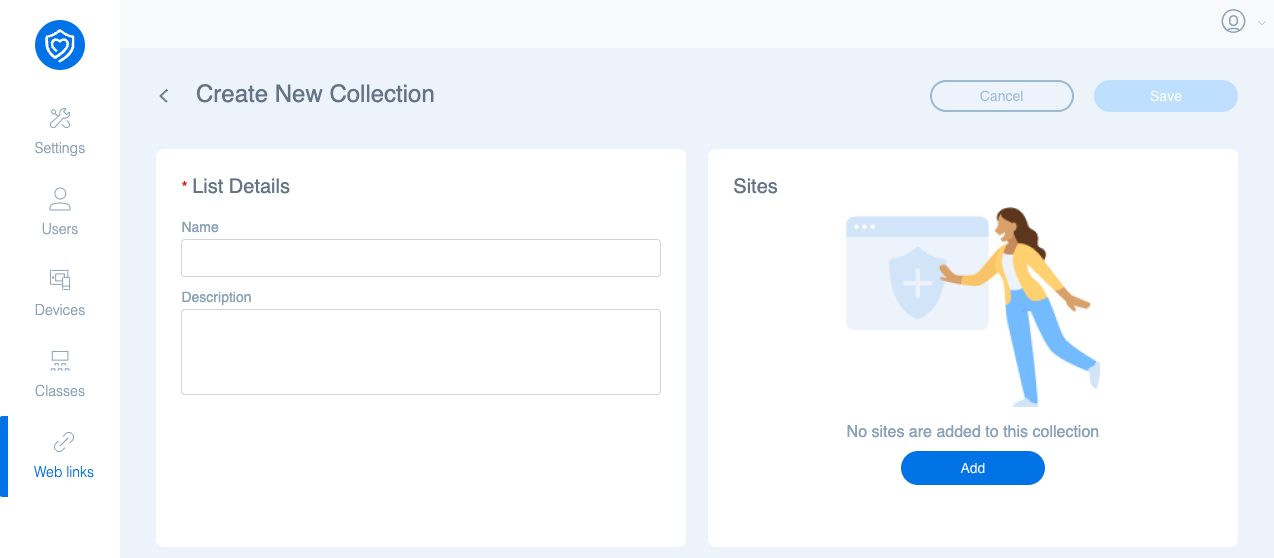
In the List Details section on the left, you can enter a Name and Description for the Collection.
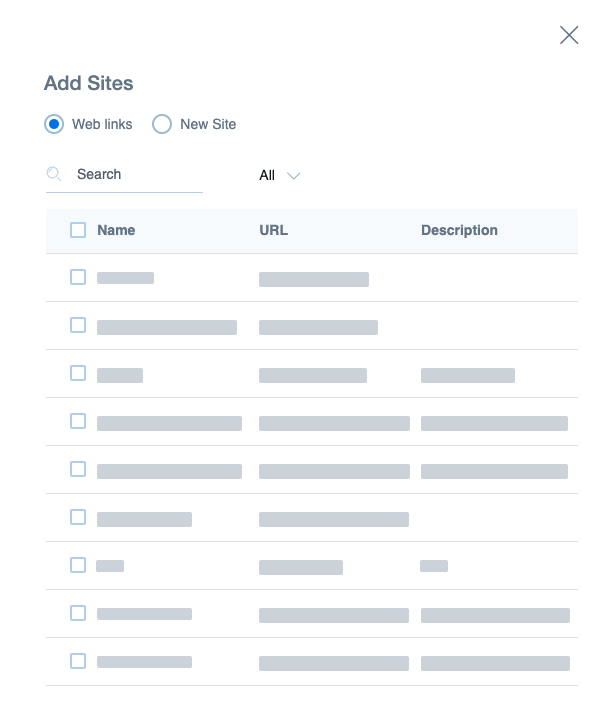
In the Sites section on the right, click Add, then choose from existing web links, or add a new one by selecting New Site. Once you've finished, click Add.
When your collection is ready to go, click Save in the upper right corner.
Notes on Collections
- When deleting a Collection, the individual sites in the collection are not deleted.
- Web links can belong to more than one collection.