Classroom › Troubleshoot
Resolving Authorization Errors When Syncing Securly Classroom with Google
When syncing Securly Classroom with Google, you may encounter a 400 error that prevents access to your account.
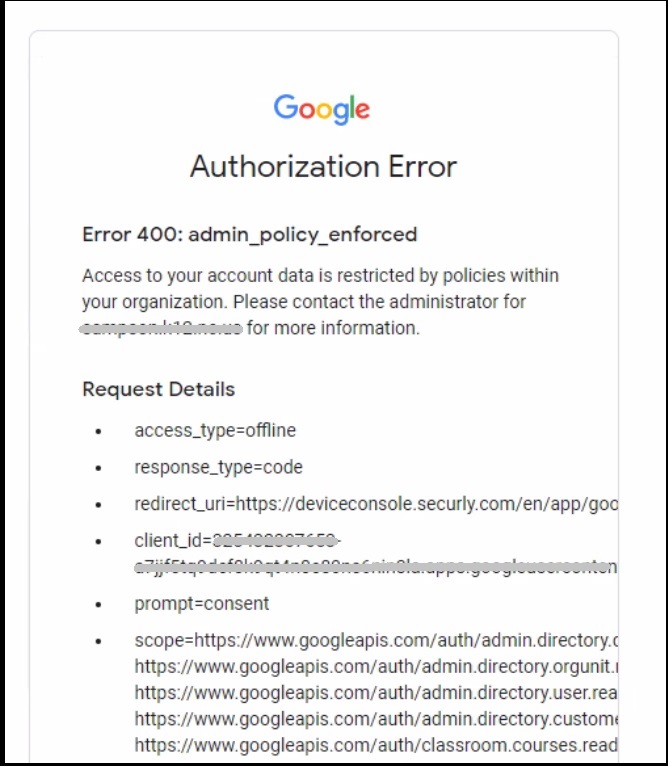
To avoid this error, follow these steps:
- Go to your Google Admin Console and navigate to Security.
- Scroll down to API Controls and click ‘Manage third-party app access’.
- Select Classroom under the ‘Apps’ tab.
- Ensure that your ‘Access Configuration’ field is set to ‘Trusted: Can access all Google services.’
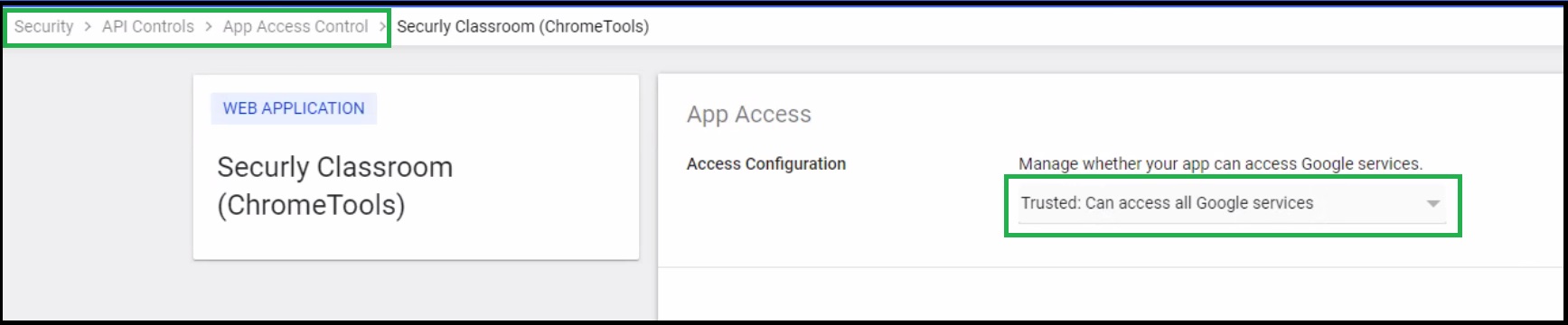
Now try again, and you should be able to sync Securly Classroom with Google seamlessly.