MDM › Managing Devices
Viewing Available Updates for Devices
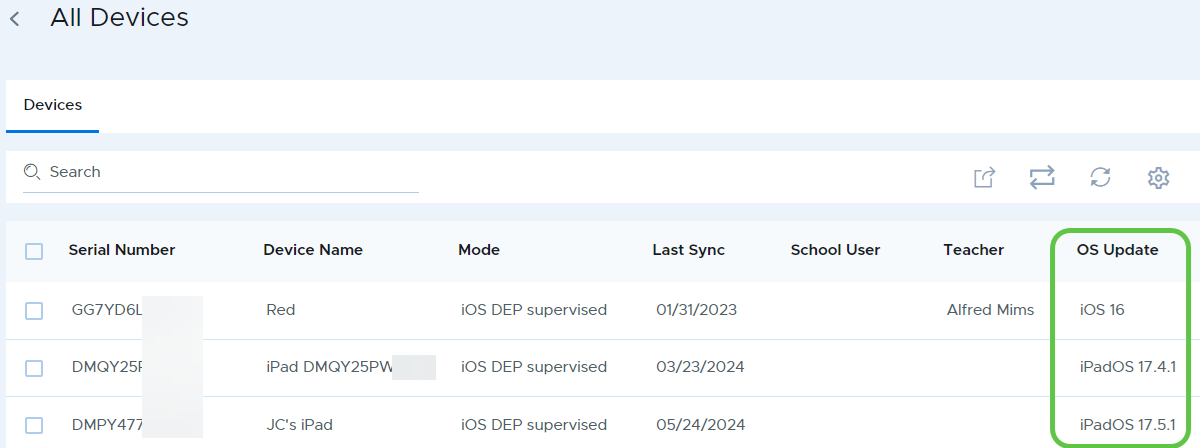
You can check which updates are available for devices by looking at the OS Update column of the device list for any device group, including the “All iOS/iPadOS” group. If an update is available for a given device, the version of the available update will show in this column.
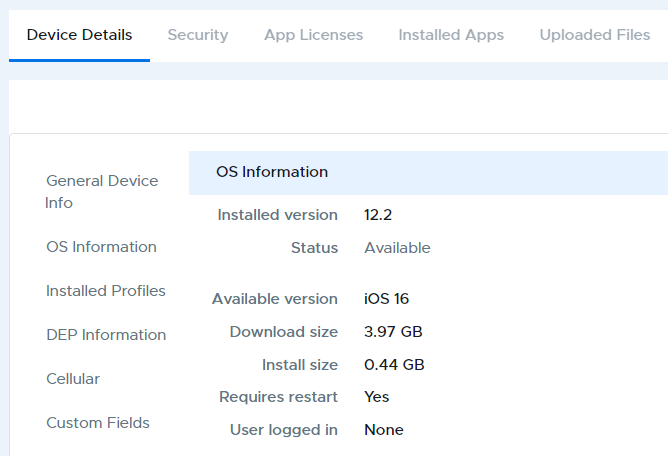
Details on the current and available OS update can be viewed in Device Details in the OS Information section.