MDM › Teacher Tools
Logout User
The Logout user button will log out the currently logged-in user of a shared iPad.
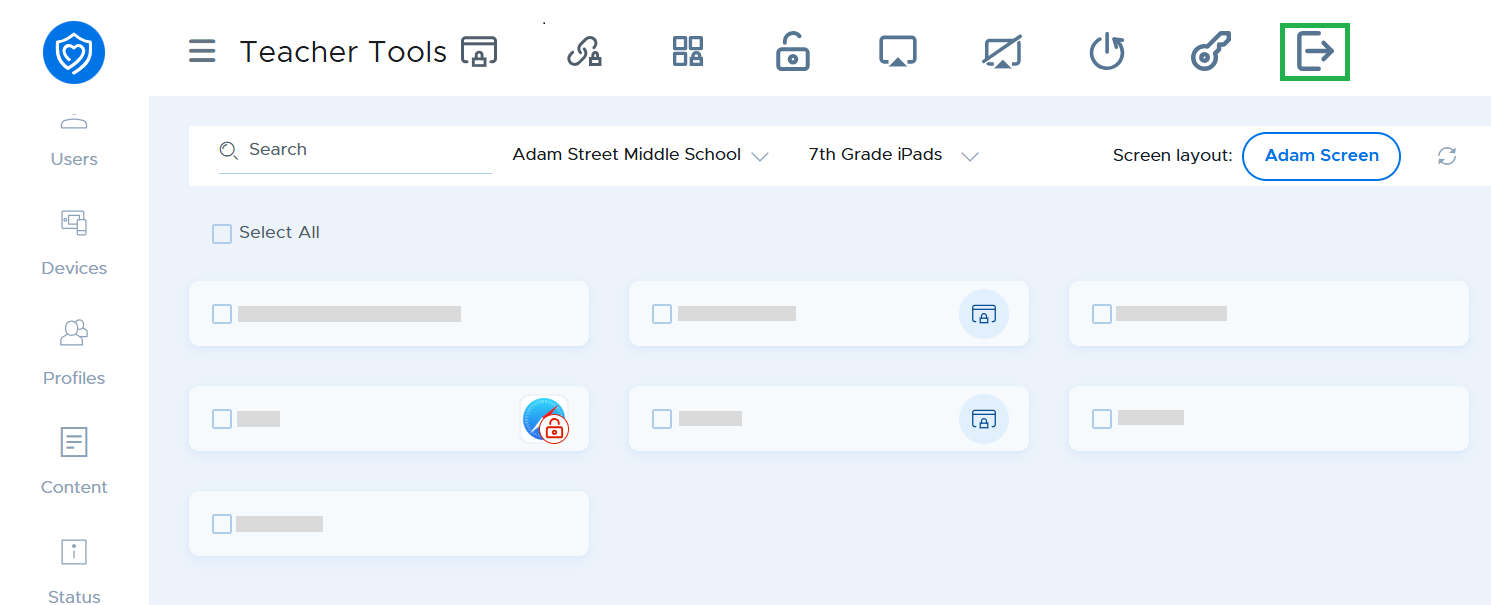
This function is available on iOS 9.3 and above, and only works on iPads configured in Shared iPad mode where users log in using their Managed Apple ID configured through Apple School Manager.
See the section of this guide on Setting up Shared iPad Mode for more details.