MDM › Managing Device Groups
Adding and Configuring tvOS Device Groups
To add a macOS device group:
- Go to Devices on the main menu
- Select the tvOS tab
- Click the Add tvOS Group button at the top right
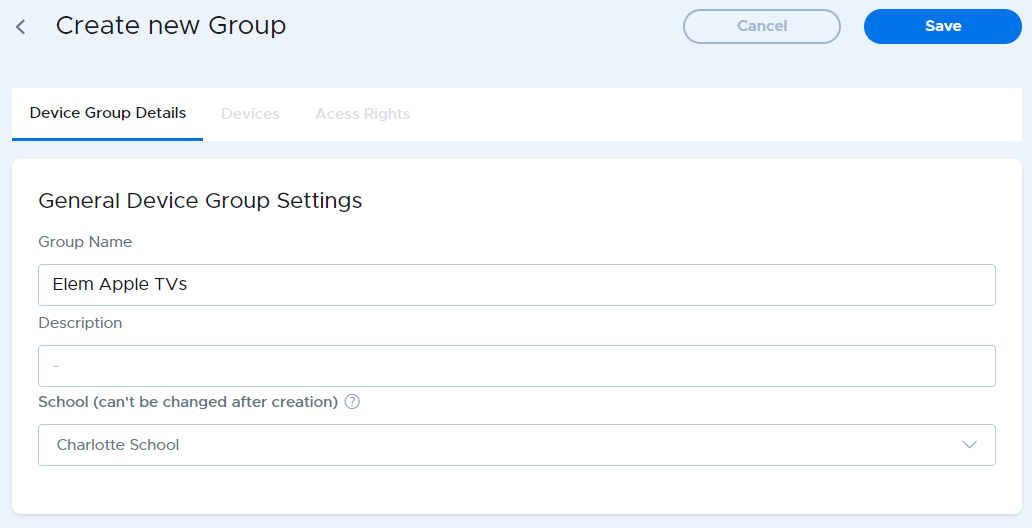
- Enter a name for the group in the Group Name field
- Choose a school where the device group should be located. Note that this cannot be changed after it is created, although devices can be moved to device groups that are in different schools.
- Click the Save button at the top right.