MDM › Managing Content
Adding books from ASM to Securly MDM
To add a book, use the Add book button at the top of the books list.
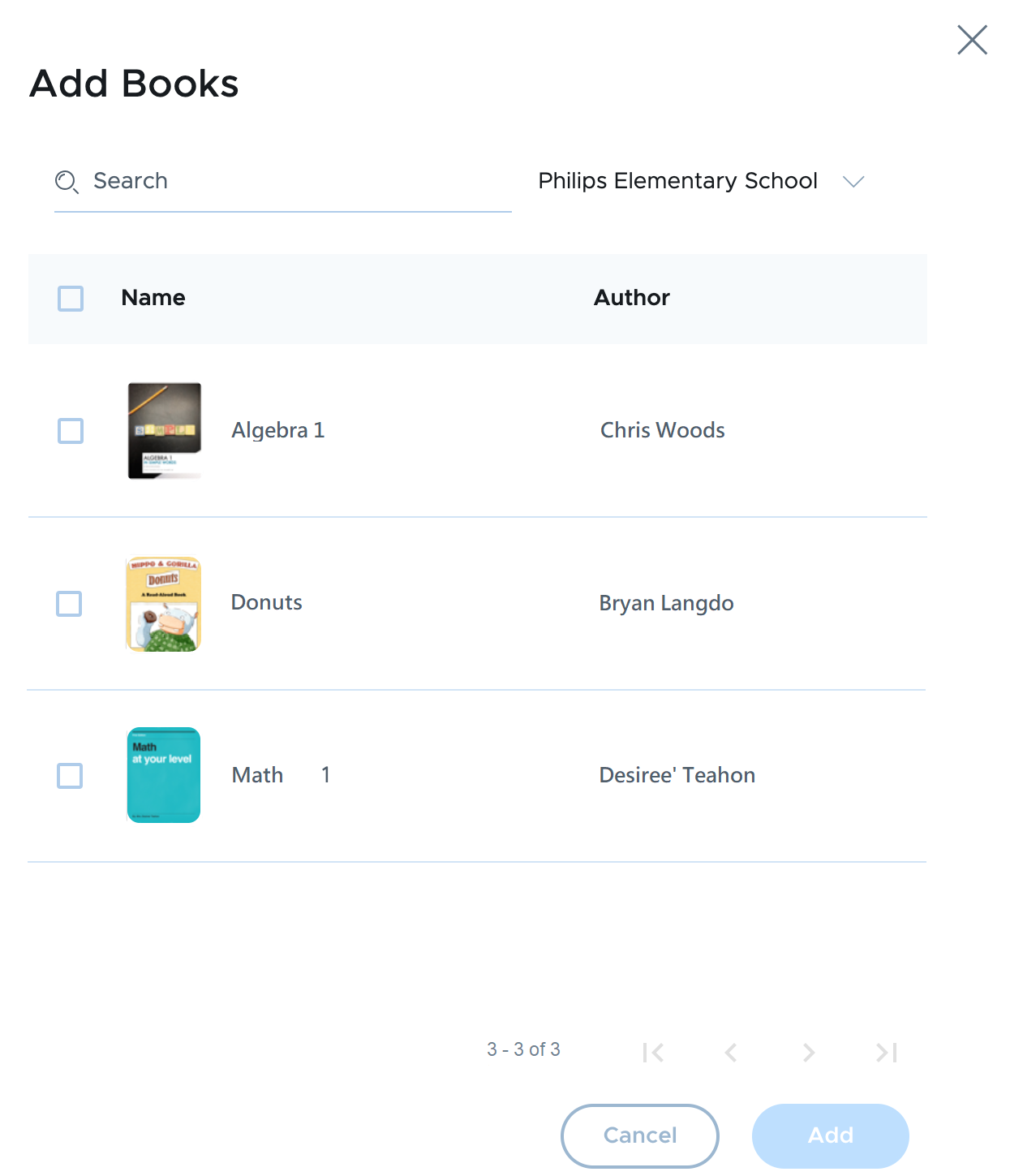
Use the selector to choose the ASM account on which the books were purchased. Any books that have not already been added to Securly MDM will be shown in the lists. Select the desired books then click the Add button.