Filter › Policy Editor
Mapping Policies
The Policy Map page lets you assign policies to the OUs imported from your organisation. For more information:
- Refer to the importing school org. article in the setup section of this guide.
- Refer to the Assigning policies to OUs article in the setup section of this guide.
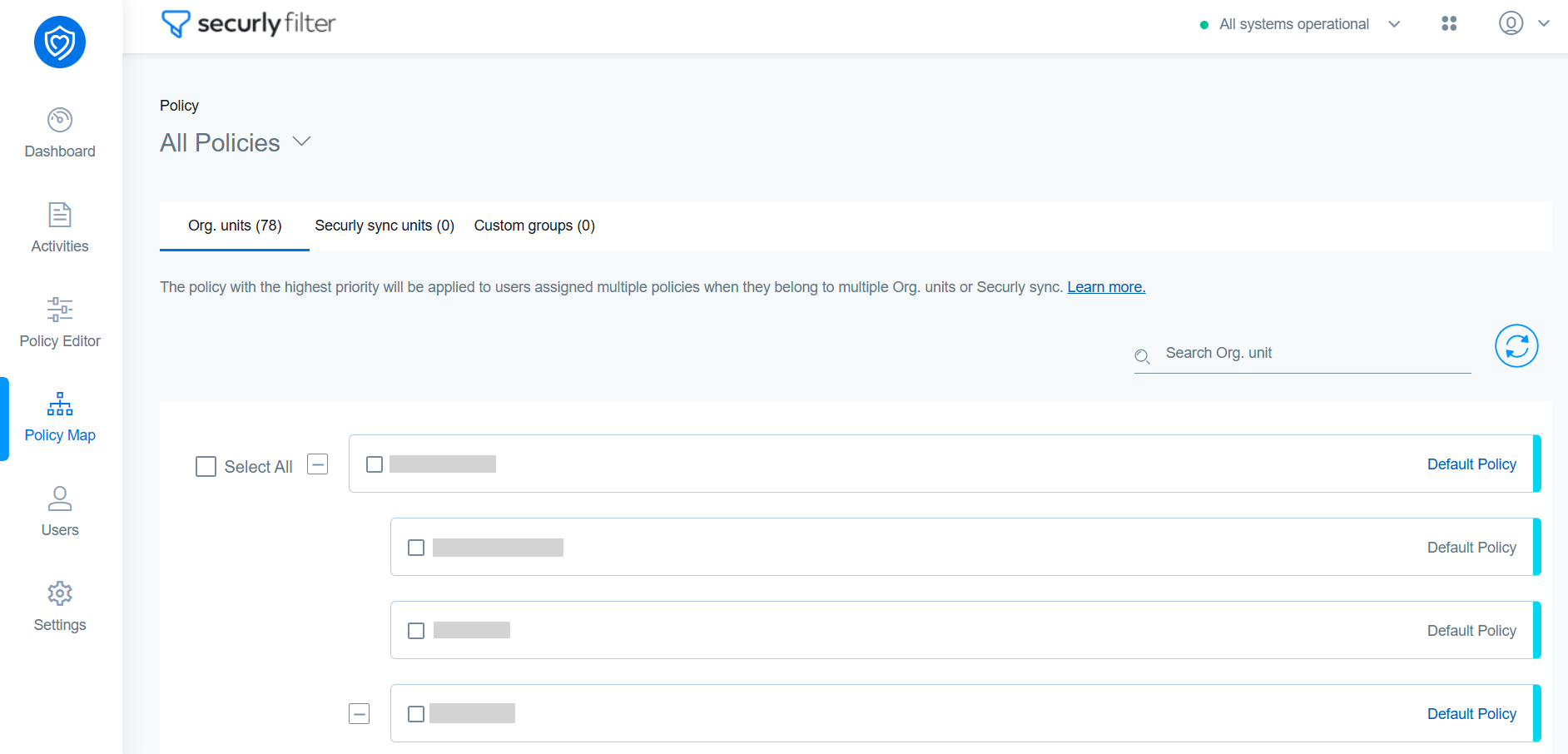
This page also lets you easily understand which policy is assigned to which Organizational Units (OUs), simply click the dropdown icon located at the top left corner to filter and view the assignments based on the selected policy. This allows for a clearer and more efficient way to track policy-to-OU relationships.