MDM › Managing Profiles
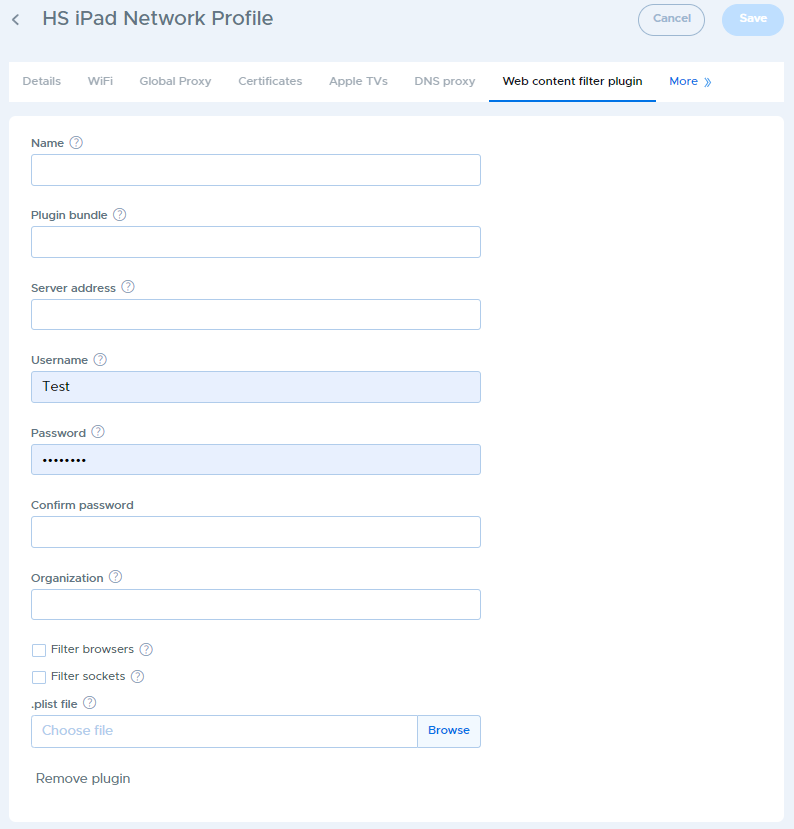
Web Content Filter Plugin Configuration
Some web filters use a content filter plugin on the device. This tab allows you to configure the device to use the plugin, which can help avoid the need to manually configure the plugin on each device.
Two variables are available for use in the settings fields as well as in PLIST files. They are:
- UDID: substitute the UDID of the device
- Email: substitute the user's email address as defined by their username in the School Users list for the associated user