MDM › Managing Content
Assigning books for distribution to users
To distribute books to users, make assignments to the user’s devices. Select the books from the list, then click the Assign button.
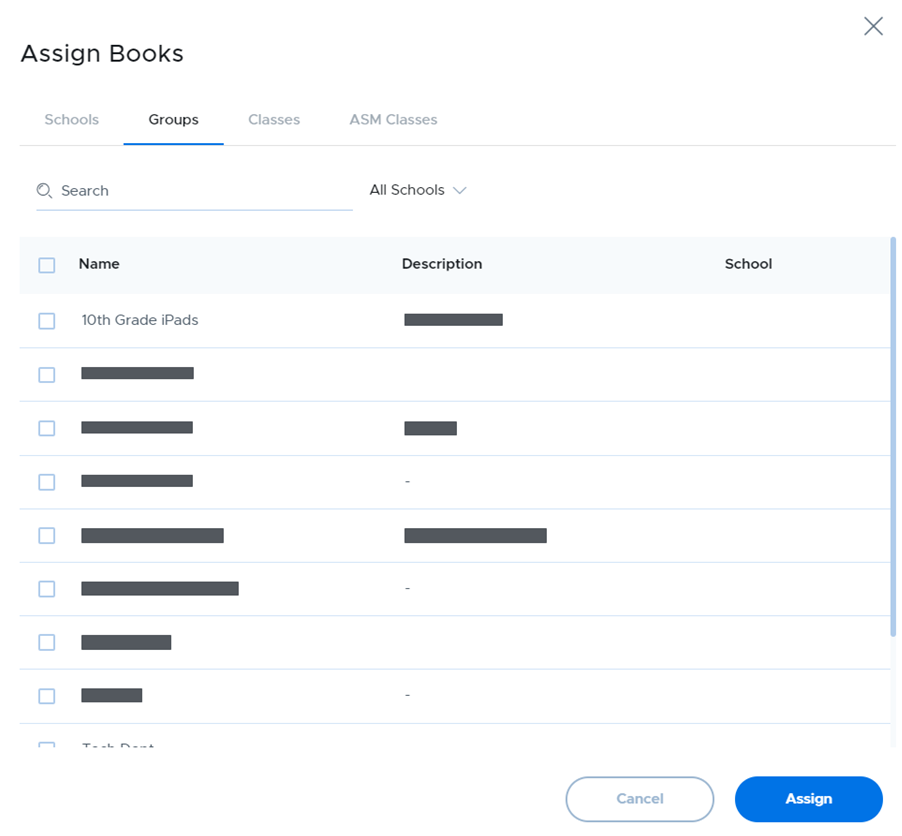
Choose the appropriate tab to make the assignment based on school, group, class, or ASM class. Note that although you are choosing based on device arrangements, the actual license will be assigned to the users of those devices, not the devices themselves since iBooks do not support device-based assignments, only user-based assignments.
Unlike apps, iBooks do not immediately get downloaded and installed on devices. Instead, they only download the first time the user on the device opens the book in the iBooks app.