MDM › Teacher Tools
Clear Passcode
The Clear Passcode feature in Teacher Tools provides a quick and convenient way to clear a forgotten passcode from a student device so that they can immediately go back to work.
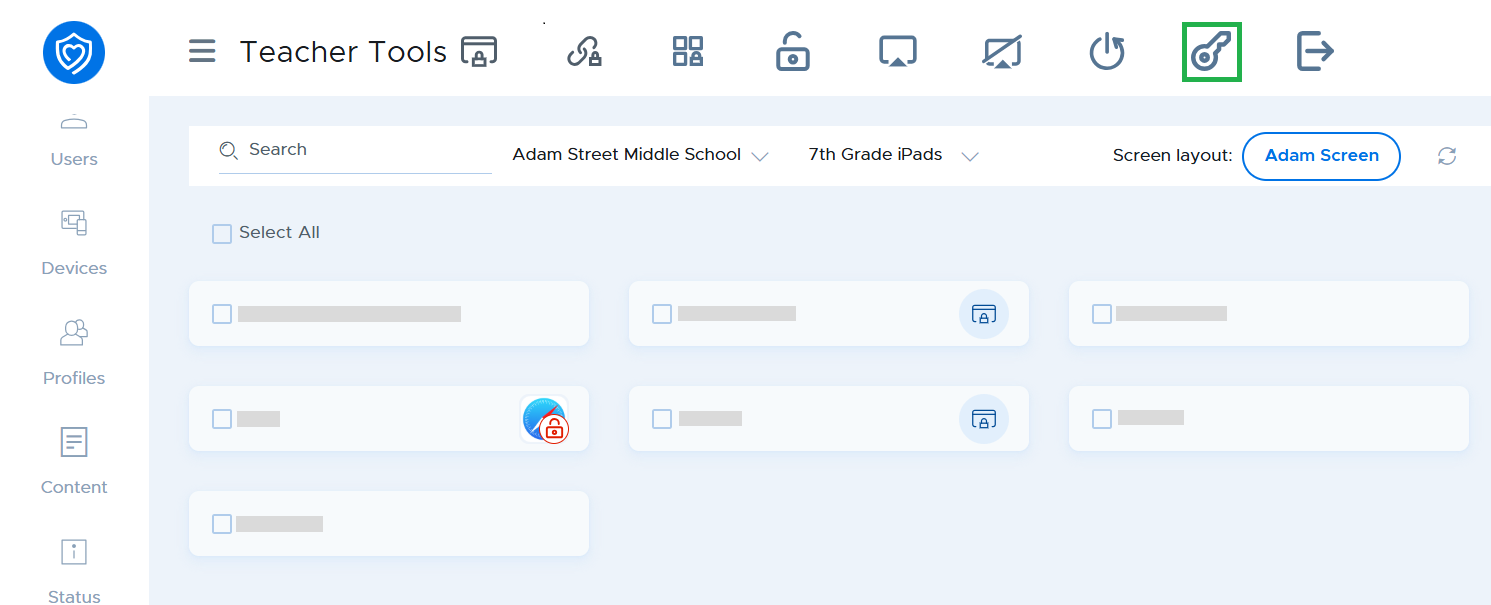
Select the device(s) and click the Clear passcode button.
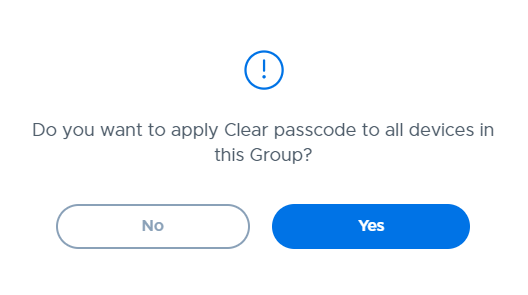
Click the Yes button in the confirmation window.