Filter › What's New
Managing Registered Domains for Securly Filter
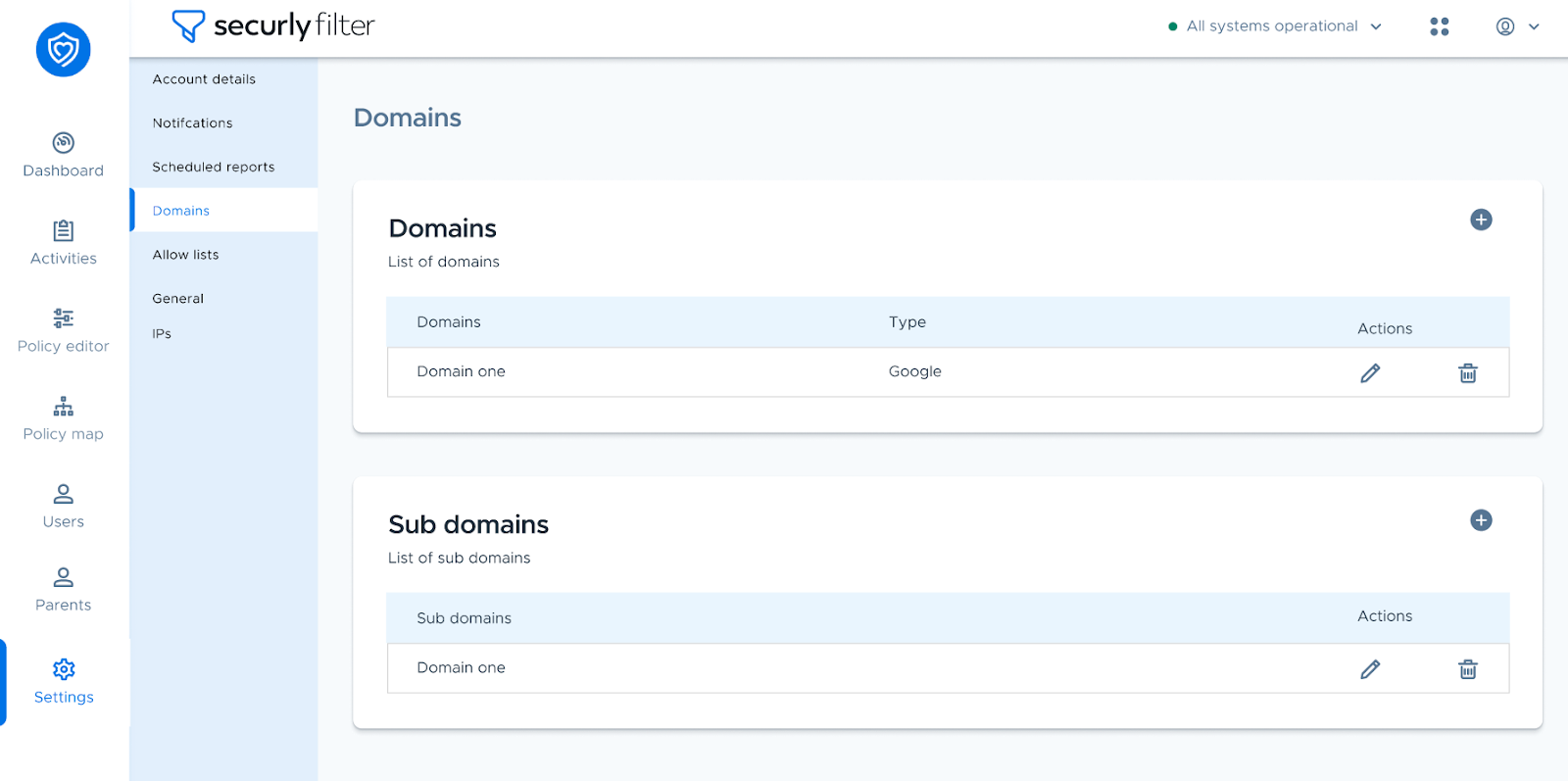
The Domains tab under the Settings menu allows you to view and manage your registered domains and sub-domains. You can use the + icon to add new URLs, and the trash bin icon beside each domain in the list to delete it.
Note: If you encounter an error when trying to add a domain, it may already be registered by another account. Please contact our support team for assistance in resolving the issue.