Filter › Getting Started
How to Locate Your DNS IPs in Filter
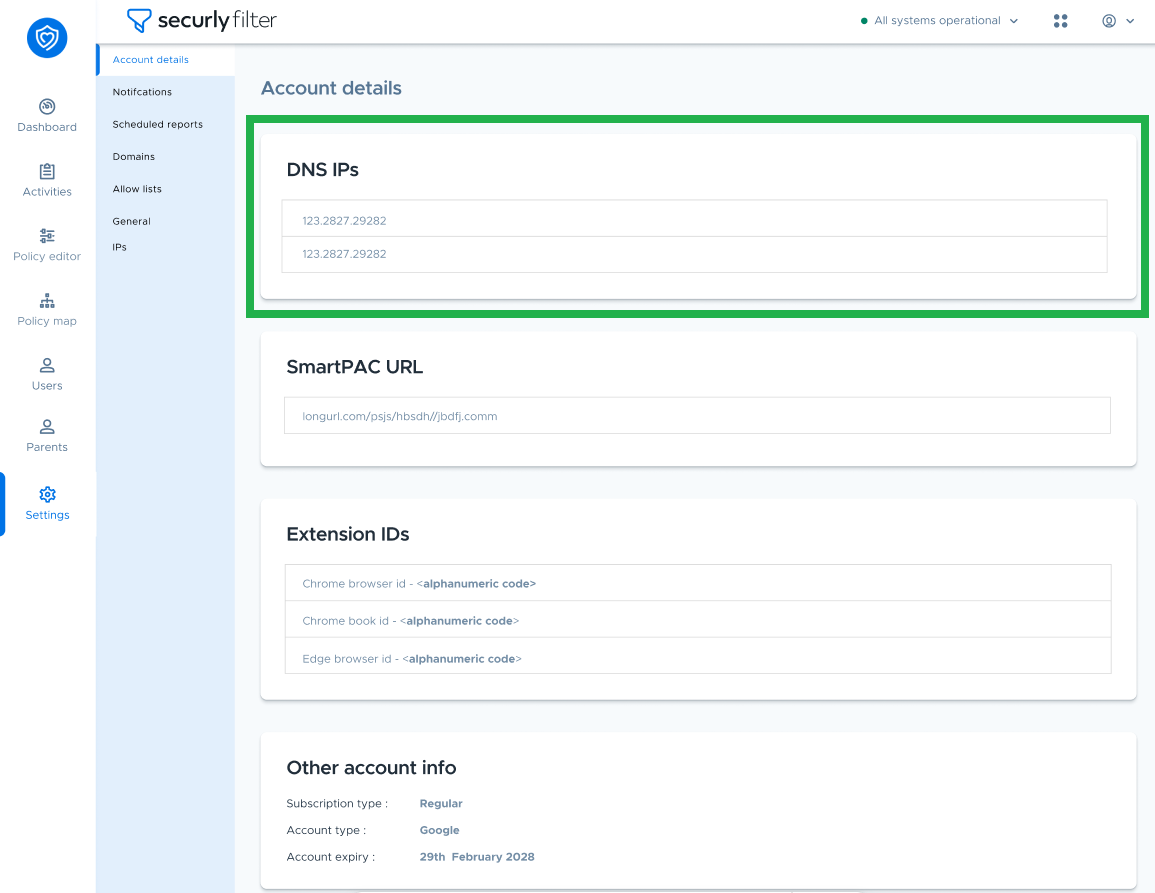
To locate your DNS IPs, follow these steps:
- Navigate to Settings.
- Select Account Details.
Your DNS IPs will be displayed in this section.
Filter › Getting Started
To locate your DNS IPs, follow these steps:
Your DNS IPs will be displayed in this section.