MDM › Settings
API Connections
The API Connections sub-menu allows third-party products to connect to Securly MDM via API. This allows systems, such as an asset management software, to get an inventory list of devices from Securly MDM. The API can also be used to assign or unassign students from devices.
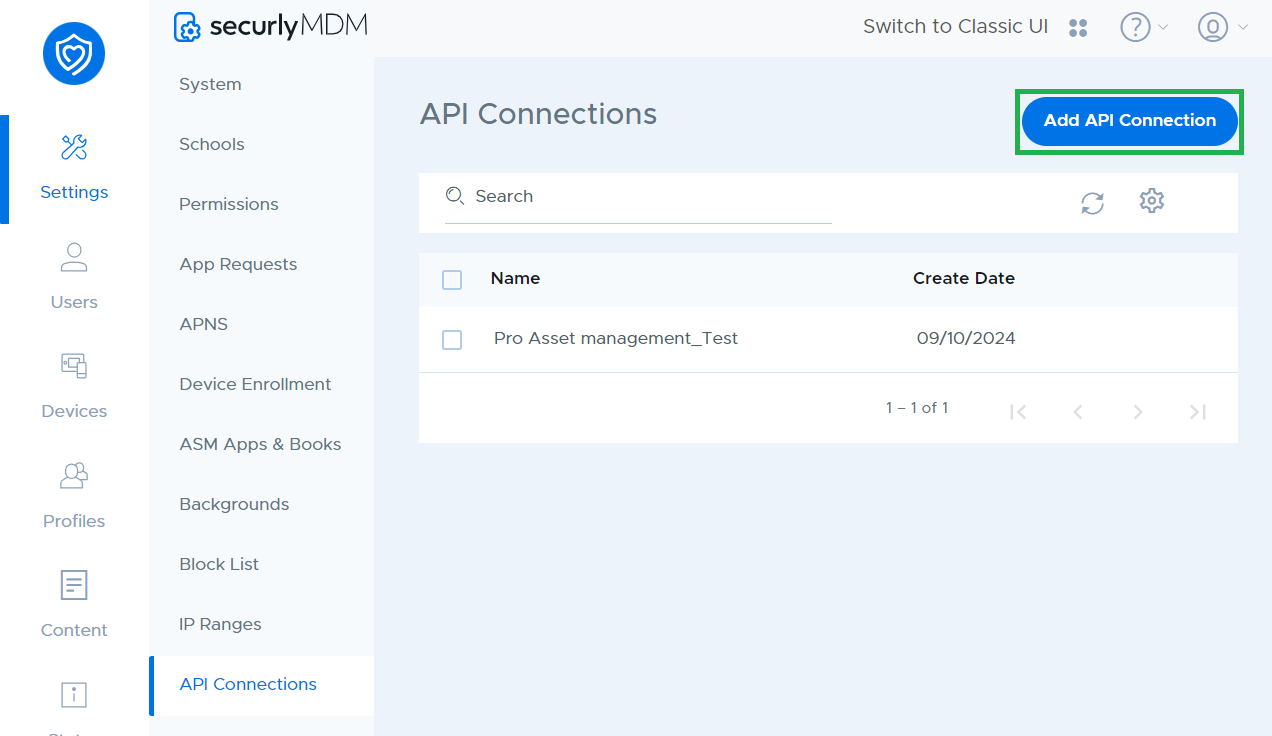
To set up an API integration with their another system, create a new API connection by clicking the Add API connection button.
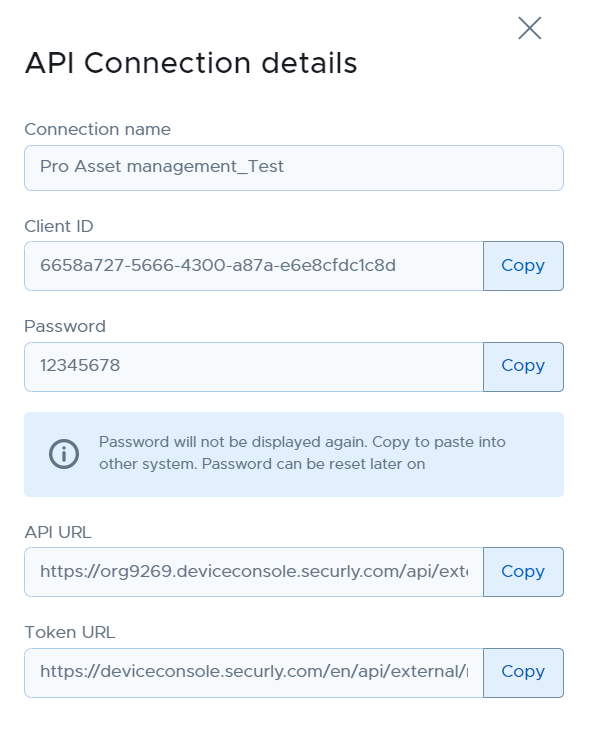
Enter a name and password in the sidebar that pops up on the right and click on "Save", after which a window will be displayed with the required credentials. Copy the credentials into the other system to link it Securly MDM.