MDM › Managing Devices
Using Conference Mode
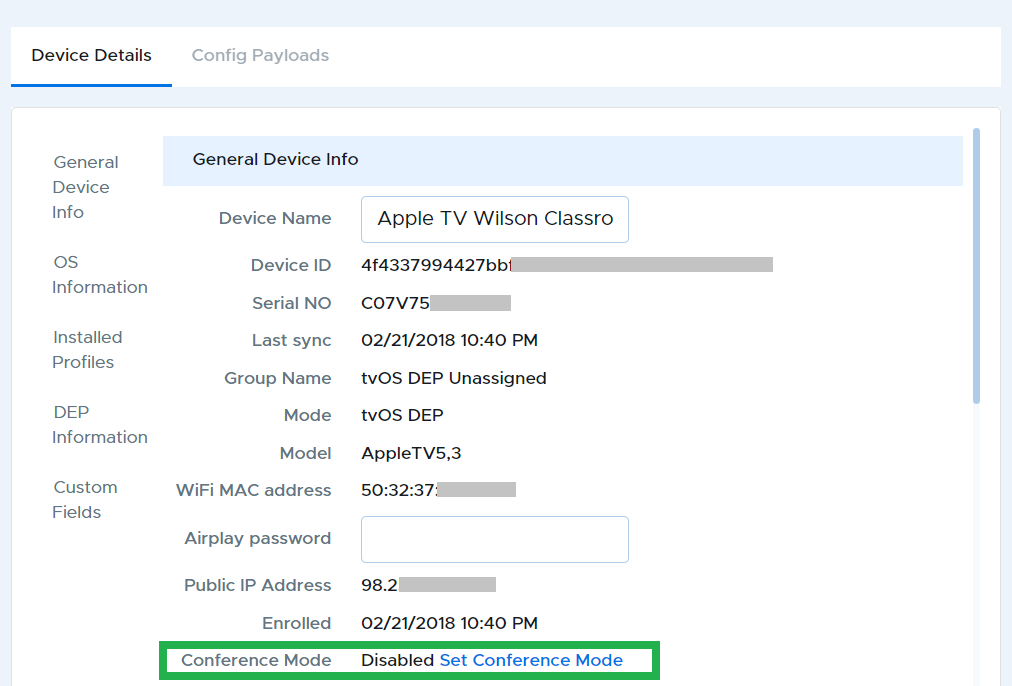
Apple TV's Conference Room Display mode lets you use your Apple TV as a display for sharing screens from other devices. To enable conference mode, go to the Device Details tab, scroll down, and click on "Set Conference Mode".
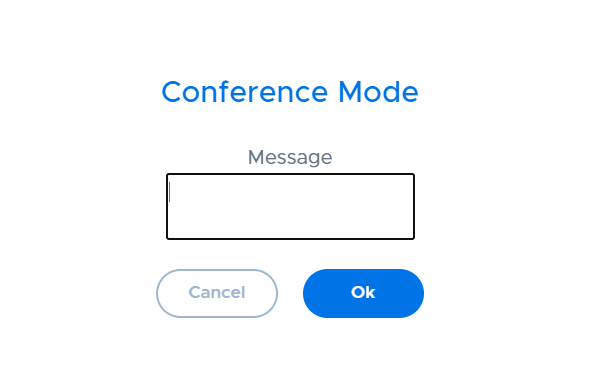
A window will pop up for you to enter a custom message. Once you are done, click the Ok button.