Learn › Getting Started
Adding Implementation Contacts in LaunchPad
Adding Implementation Contacts in LaunchPad
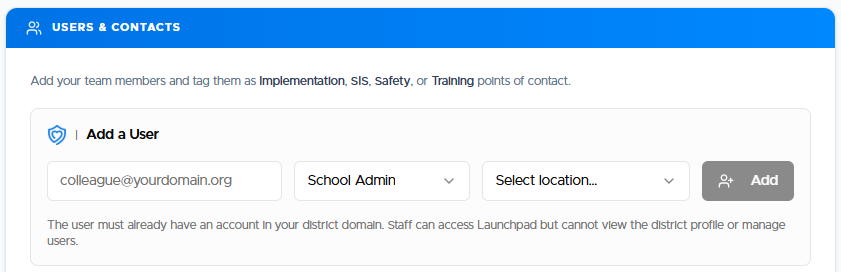
In LaunchPad, click the School Profile button on upper right. You should find a section that says Users & Contacts. You can add your other implementation contacts here.