Filter › Home
Monitoring Notices
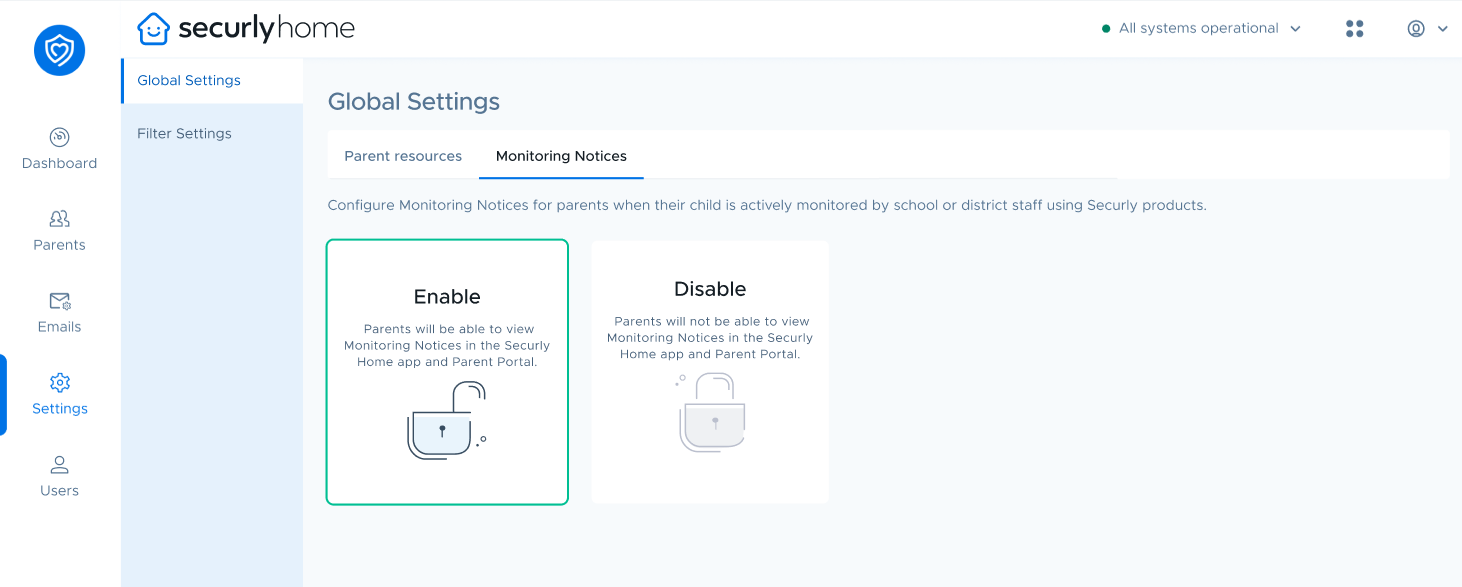
Next to the Parent Resources tab under Global Settings is Monitoring Notices tab.
Monitoring Notices are logs of when a child's browsing history and personally identifiable information was revealed to an admin in a Securly product. These are generated to comply with specific state laws.
Monitoring Notices don’t send emails to parents or push notifications to parents’ phones. They are accessible to parents in the Monitoring Notices menu in the Securly Home app or web interface. You can choose to enable or disable it as required.