Skip to content
    Securly Learn DocsSign in
    All documentation

    Aware › Observe

    Logging In

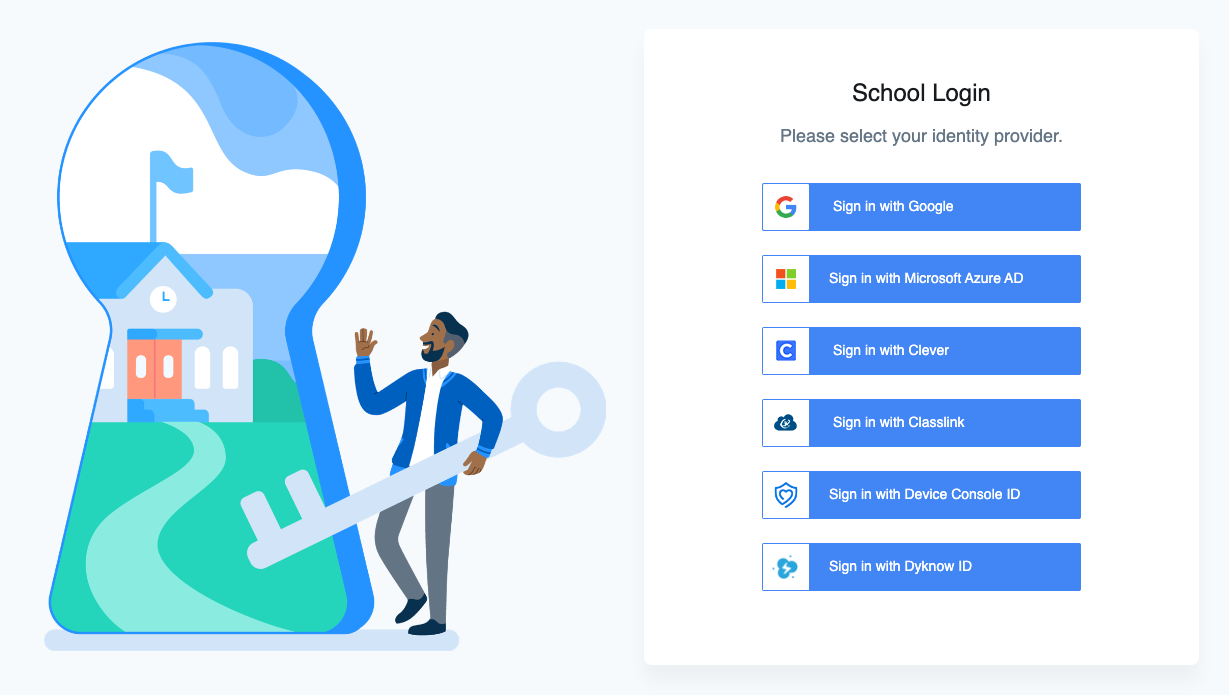
    To log in, navigate to observe.securly.com.
    https___accounts_securly_com_login_oidc_authorize_response_type_code_client_id_mdmclassroom_state_8441b0534ae8104e9afcd15c373e4cf5db25b7639d58c8096d44e750_scope_openid_email_redirect_uri_https_3A_2F_2Fdeviceconsole_securly_com_2Fen_2Fsite_c

    On this page, select your identity provider. You can choose from Google, Microsoft Azure AD, Clever, or Classlink. You can also sign in with a Securly Device Console ID if you don't use a third party SSO provider. For Dyknow customers, you can also use a Dyknow ID to sign on to both Securly and Dyknow products.

    If you aren't sure which identity provider to use, contact your school's IT team.

    You're viewing the text-only version of the Securly Learn help center. Sign in for search, the AI assistant, images, audio, and downloads.