Pass › Visitor
Self Check-out
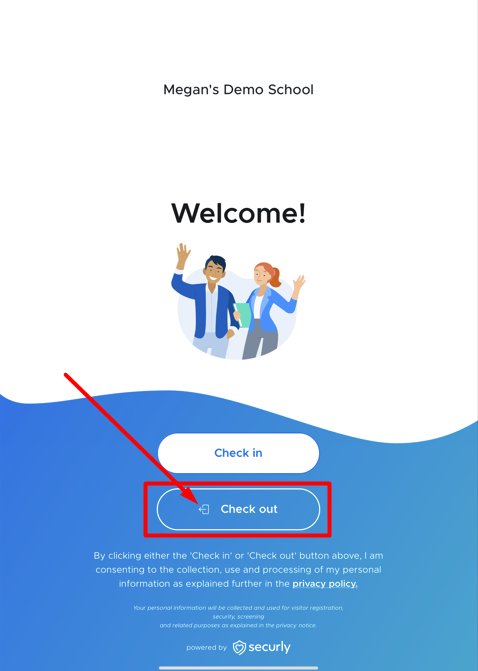
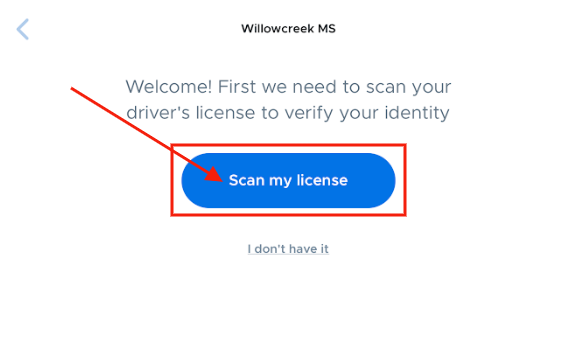
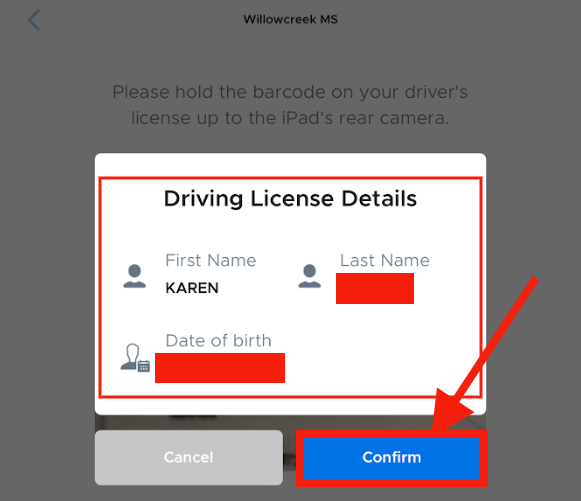
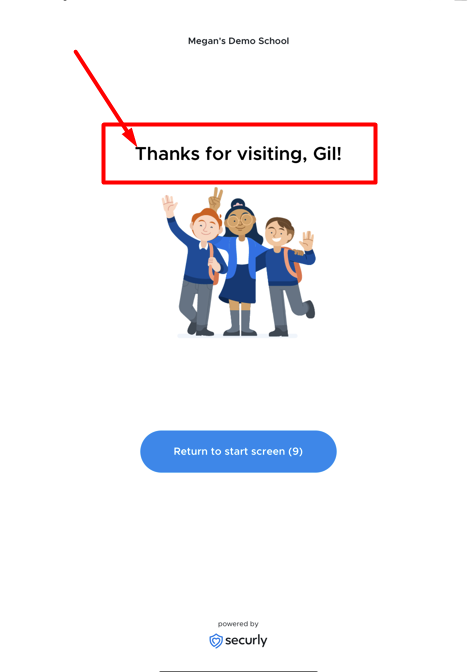
As a visitor prepares to leave your building, they should be directed to the Kiosk. On the Welcome screen, click Check out. On the next screen, visitors will be prompted to scan their driver’s license and should click on Scan my license. They should hold their license with the barcode facing the camera. After a successful scan, the visitor’s license details will appear on the screen. If correct, they should click on the blue Confirm button. They will then see a “Thanks for visiting, __________!” and will be checked out of the system.