Pass › Visitor
Spanish Translation
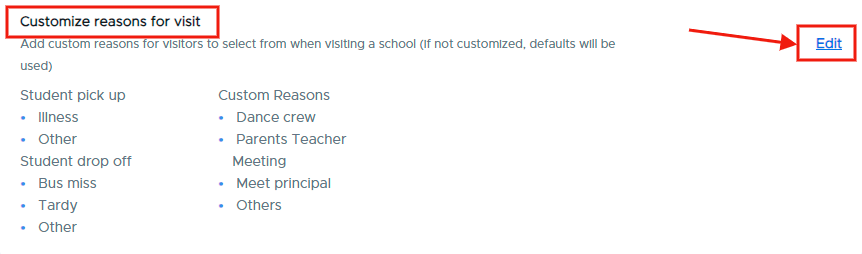
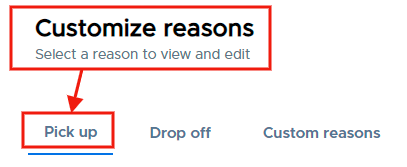
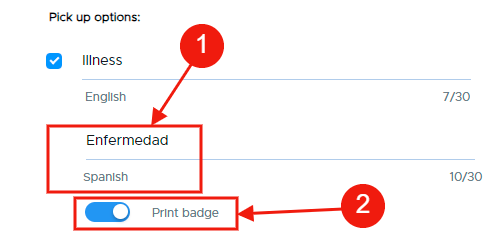
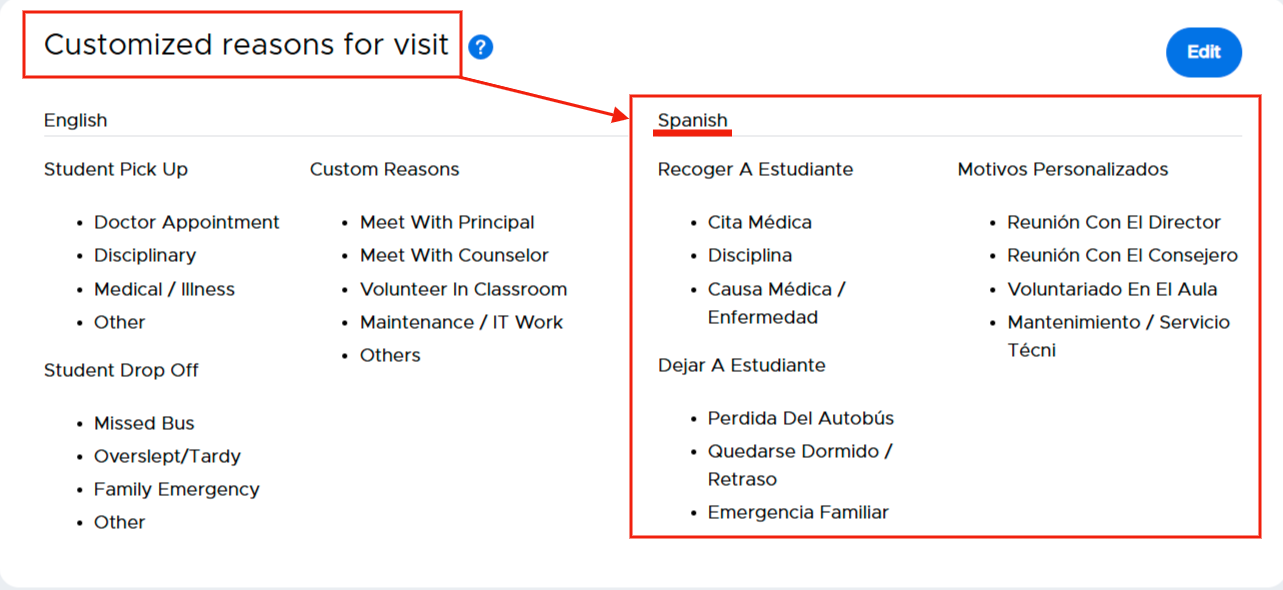
With Spanish translation enabled, admins can add Spanish translations to their customized reasons, locations, and customized questions. Visitors will then have the option to select English or Spanish when they check in at the kiosk.
To enable Spanish Translation, slide the toggle to the right.

Once enabled, guests will start to see a language selector on the iPad app and can choose to check-in in Spanish.
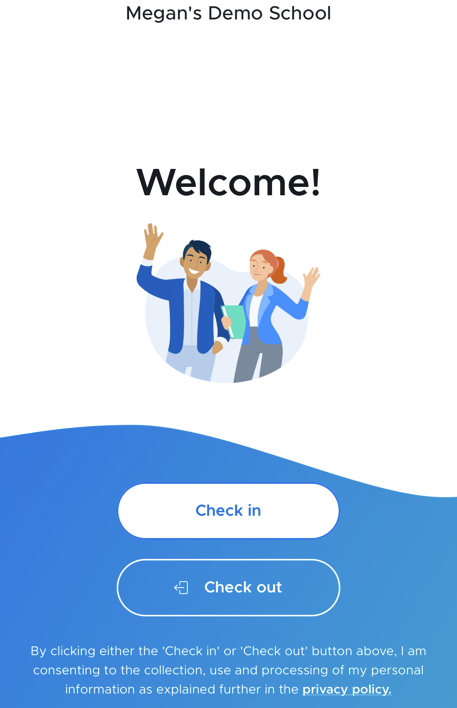
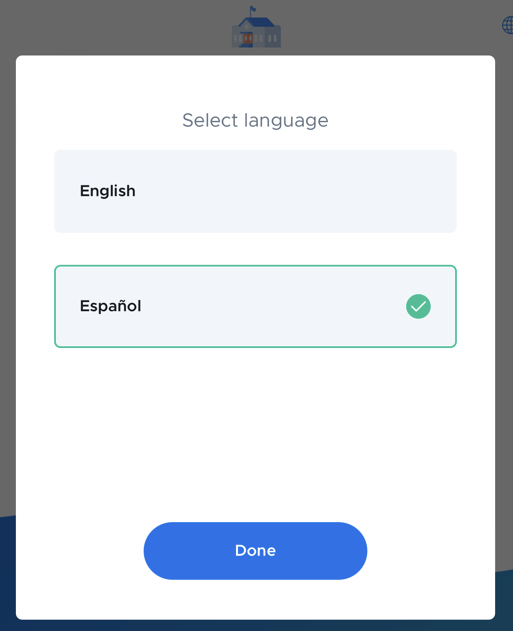
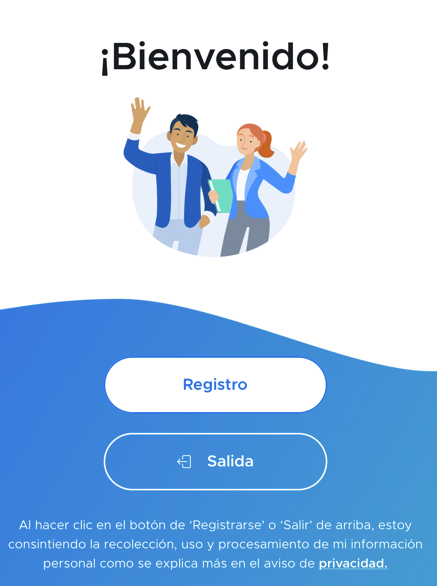
While the check-in instructions will be displayed in Spanish, the custom reasons for visits AND the Customized Questions are not translated automatically. Admins must input these reasons and questions in Spanish for those to be displayed in the app in Spanish.
Please note: Spanish support will NOT be enabled until at least one of them is translated.