Pass › Visitor
Watch List Alerts
Admins can send alerts to specific staff and/or emergency contacts when individuals who should not be permitted as visitors to the school are present on campus.
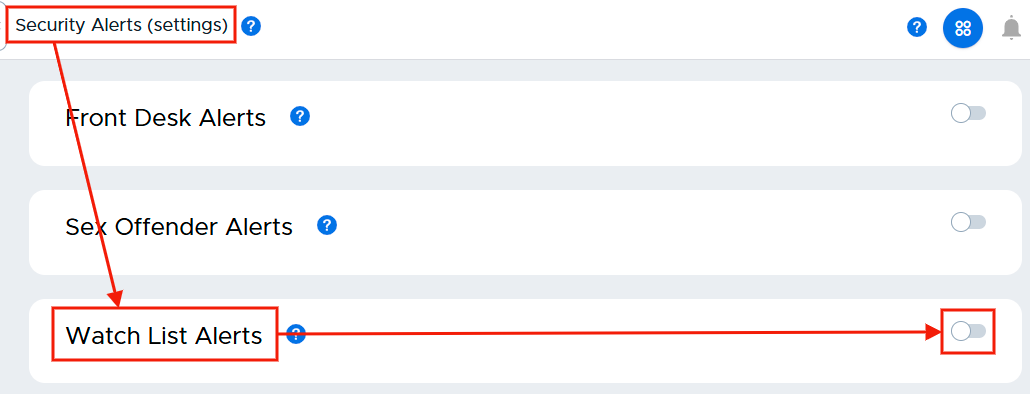
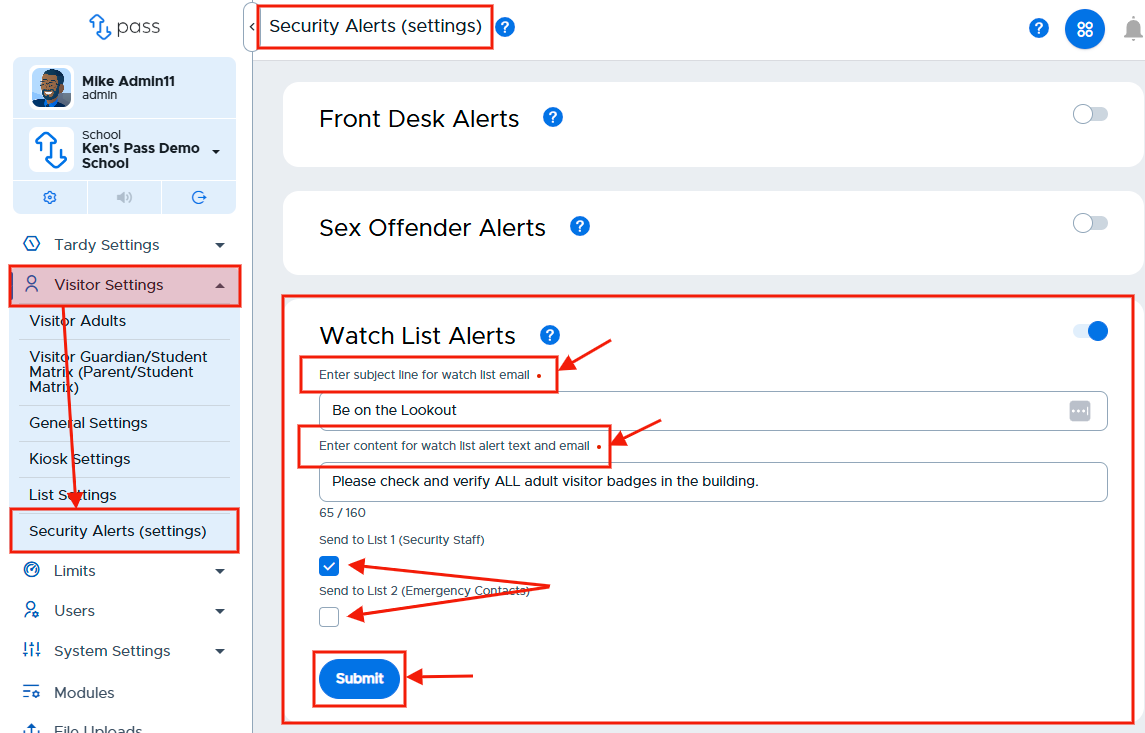
To enable the Watch List Alerts, slide the toggle to the right. (It will turn blue when activated.)
Enter the Subject line text for the Watch List Alert email and the content for the Watch List Alert text and email. Then check the appropriate boxes as to who will receive these emergency alerts - Security Staff, Emergency Contacts, or both. Click Save when finished with this section. (The subject line and corresponding message are for illustration purposes only.)
Please note that alerts are not automatically sent. The front desk user or another Visitor adult will click to initiate the alert.