MDM › Securly Locker
Locker for iPad
Securly Locker is a required app for managing iPads with Securly MDM. Locker also provides the following functions, available through the row of buttons at the bottom of the screen:
- Files: Access to files assigned to the device by teachers or administrators.
- Self-Service App Installation: Access to a catalog of apps assigned for optional installation or removal.
- Web Links: Access to websites assigned to the device by teachers or administrators.
- Info: MDM Enrollment information and an option (if enabled) to send a message directly to the system administrators.
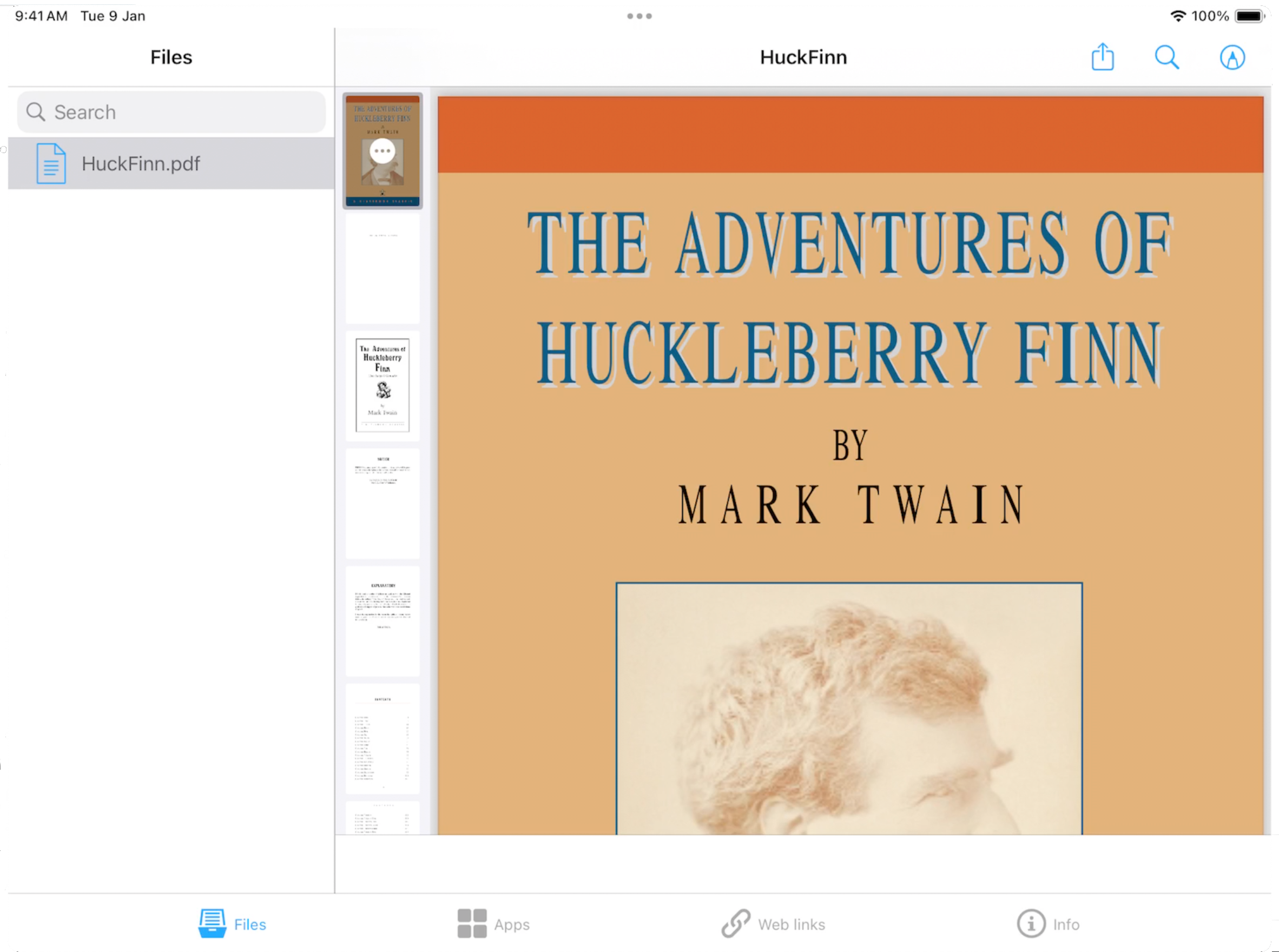
Securly Locker is automatically installed after a device successfully enrolls in the system, provided the steps in the Add Securly Locker to your ASM Location section of this guide were completed.