Pass › Pass Teacher/Staff Guide
Managing the Order of Favorite Locations
Teachers/staff users also have the ability to manage the order of their favorite locations.
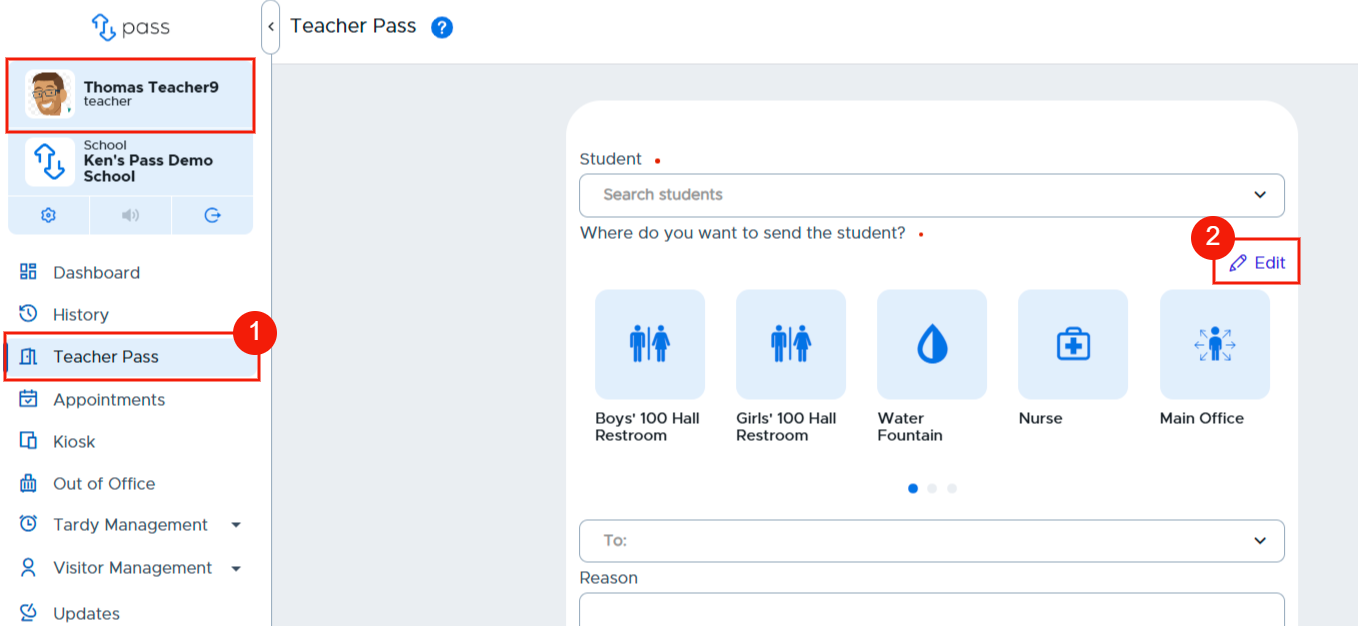
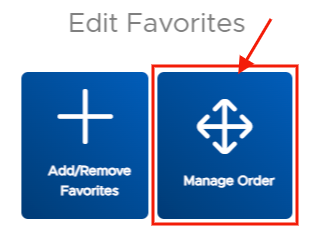
To change the ordering of the favorites, click Teacher Pass. On the pass, click the pencil/Edit button in the upper right corner. On the popup screen, click Manage Order.
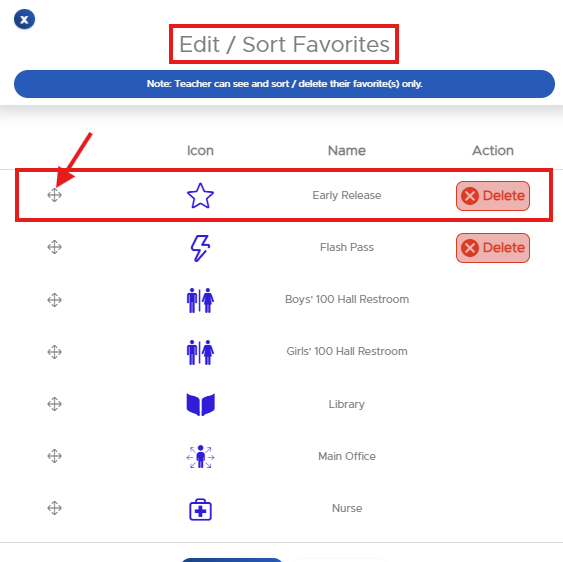
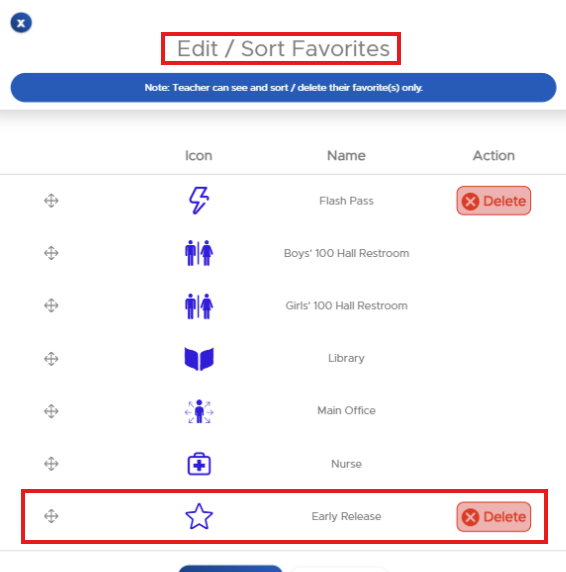
On the Edit/Sort Favorites popup, click on the directional arrow of a specific location and drag it to where you want it in the order. Click Submit when finished. Remember: You can adjust the order at any time.