Pass › Pass Mobile App Guide
Add Comments to Passes
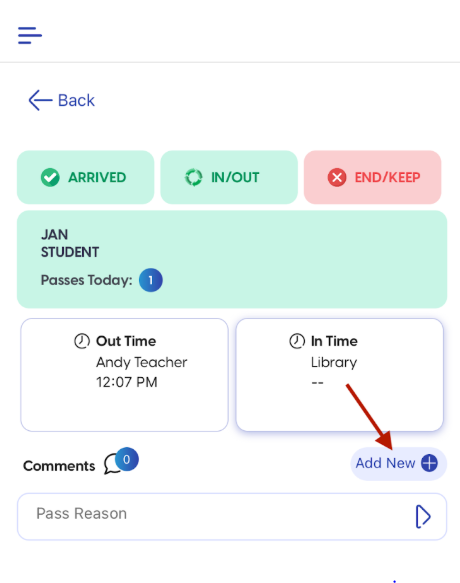
If you need to add a comment to a pass, click and hold the right facing “>” to open the pass view. Then click on the “Add New” button.
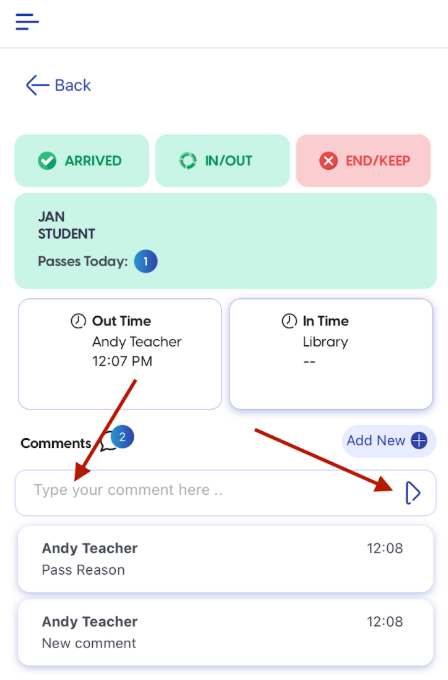
Type your comment in the “Type your comment here” box and then click on the arrow to the right. Your comment will appear below.