Aware › Managing Account Settings
Accessing Acount Settings
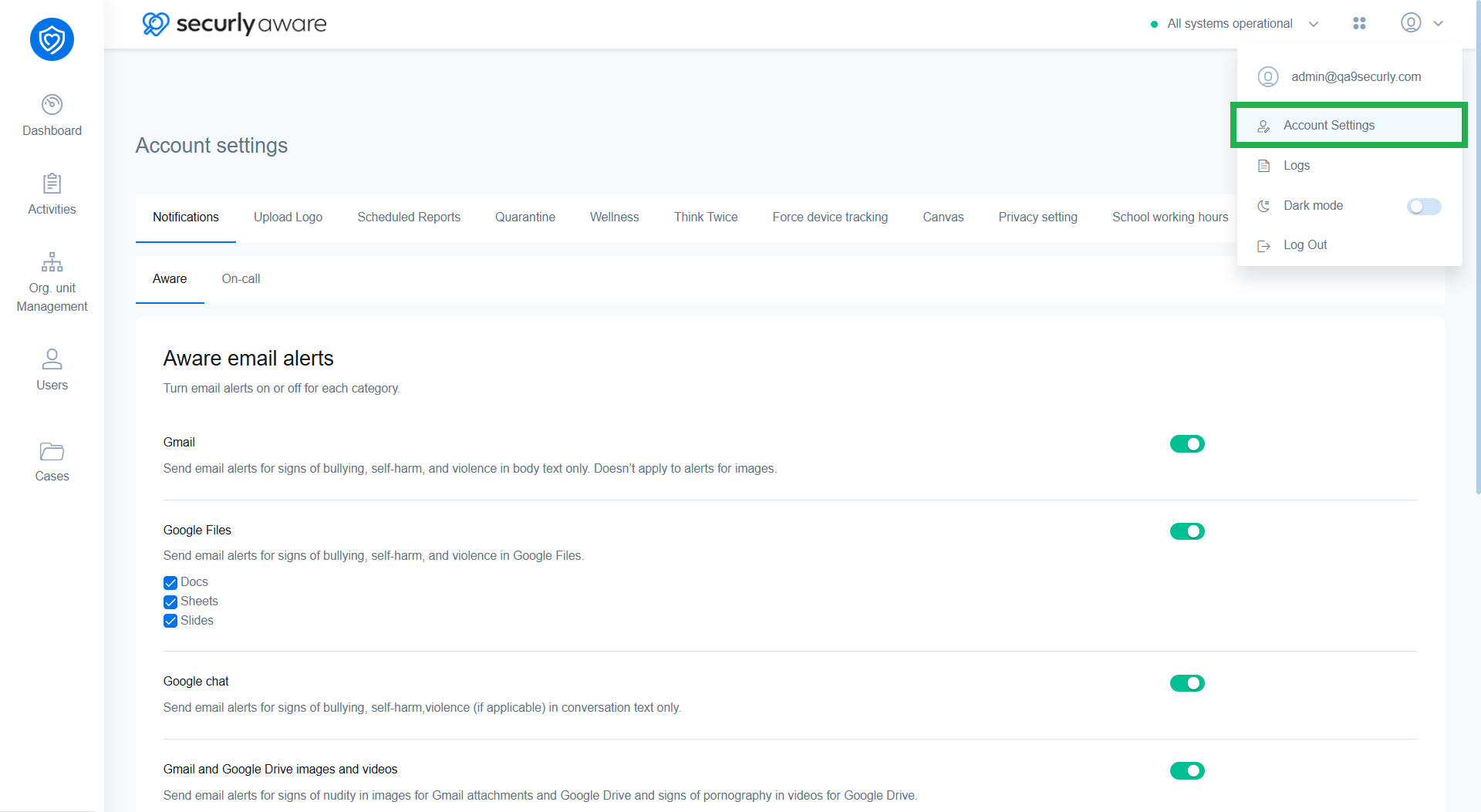
The account settings let you configure settings for various Aware features, including:
- Email alerts for flagged activities
- School logo
- Scheduled reports
- Quarantine reports
- Wellness widget
- Think Twice
- Device tracking
- Privacy tracking
- School working hours
You can access account settings by clicking on the profile icon in the top right corner.