Aware › Aware Case Manager
Full History
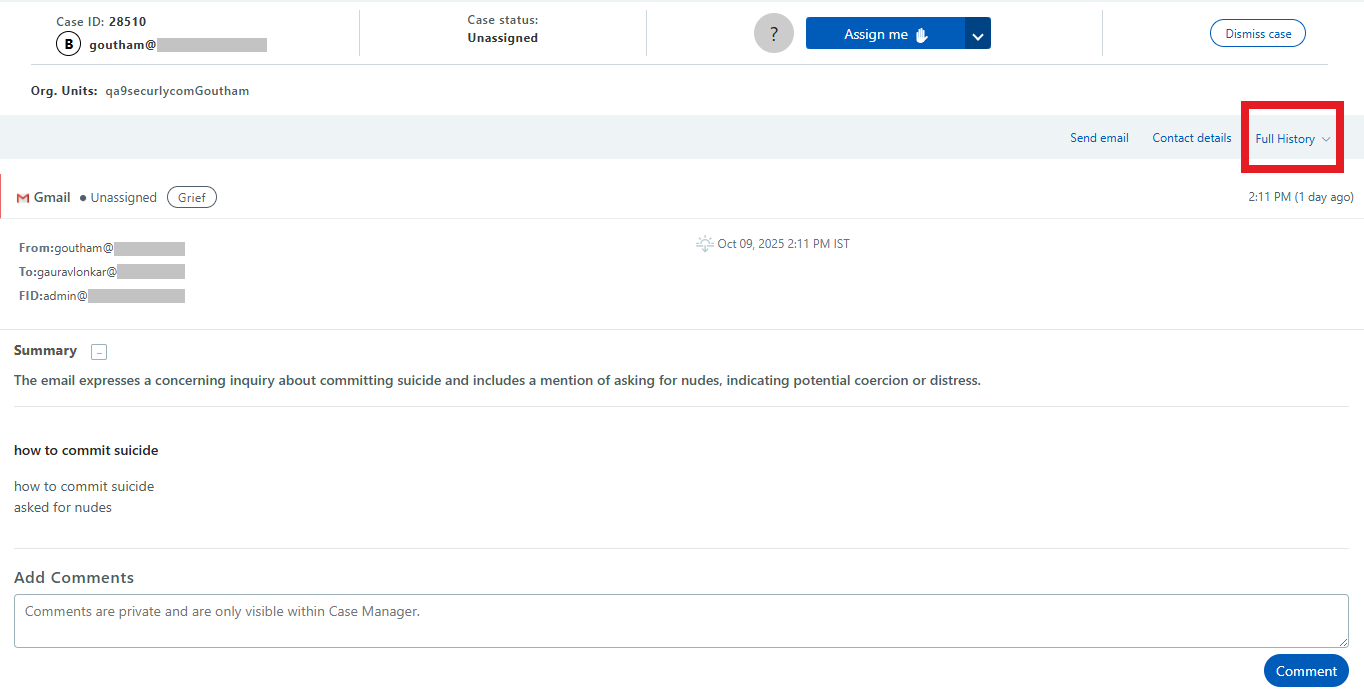
When viewing a case, in the upper right you will see the Full History button. This will open a window that allows you to more closely view that student’s activities.
The Flagged Activity tab will show activity that was flagged as concerning, as well as activities that took place before and after the flagged activity, for context.
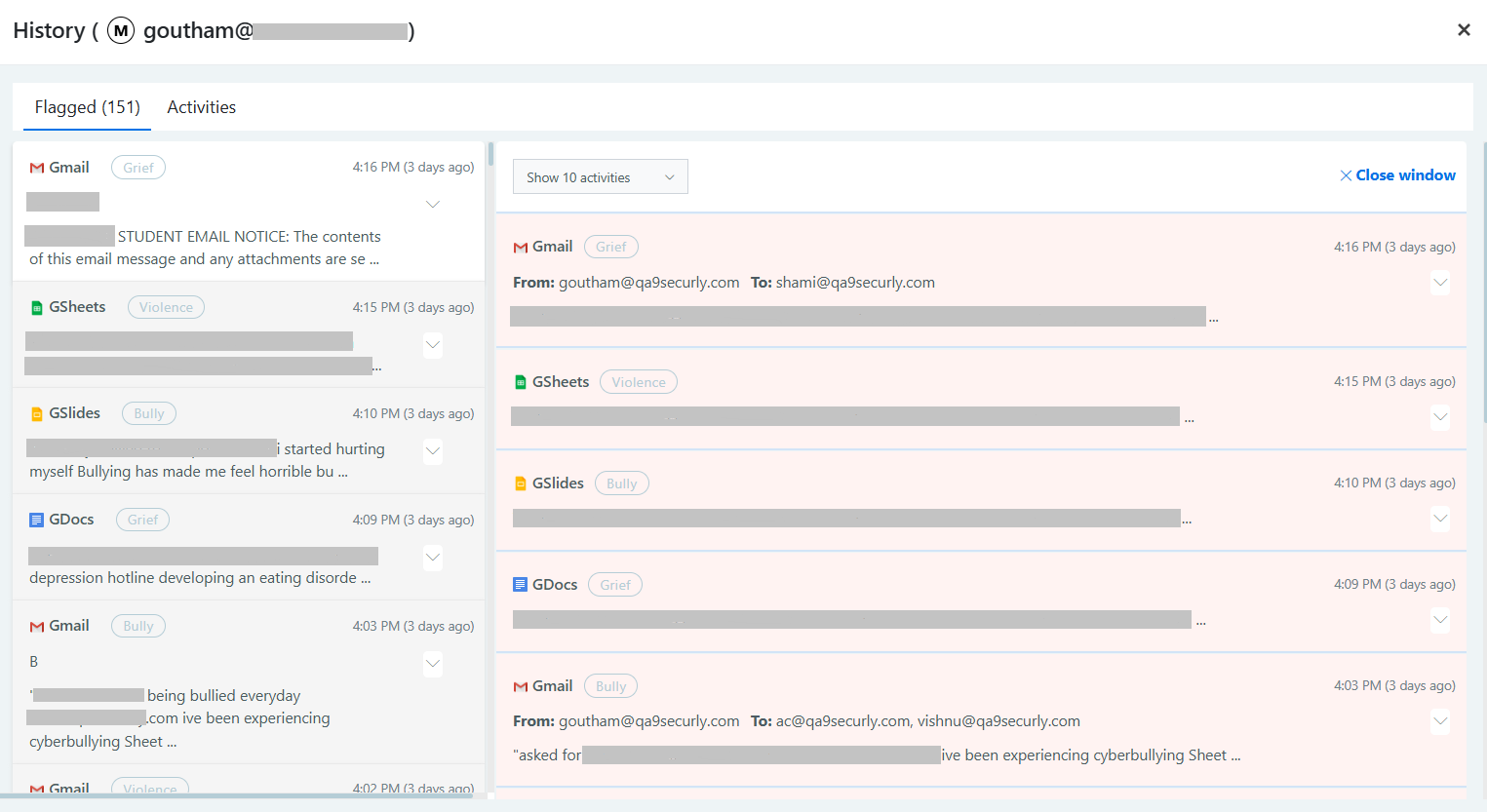
The Activities tab will show all activities, flagged or not. You can click on any activity to view the search, video, or website in a new tab. Flagged documents and emails will show a snippet of the content that Aware determined to be concerning.