MDM › Managing Devices
Navigating the iOS/iPad Devices menu
Select Devices from the main menu to access functions for viewing and managing individual devices enrolled in Securly MDM.
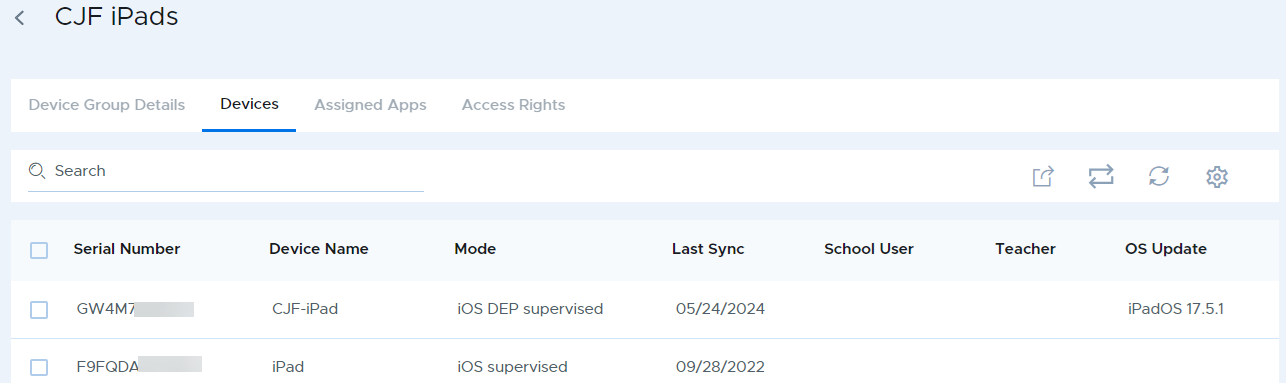
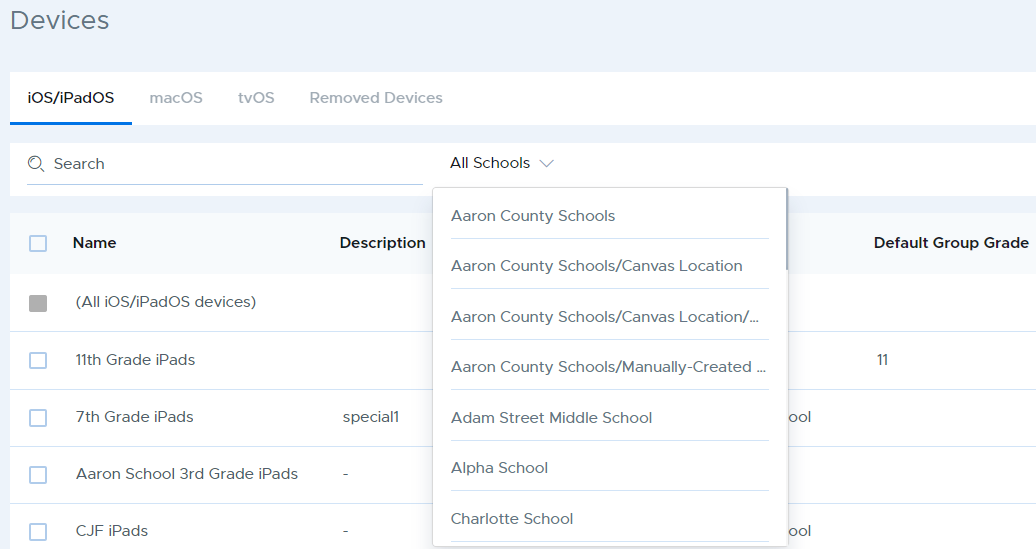
To view or manage an individual devices, go to Devices on the main menu, choose the device group that contains the device you wish to view, or use the “(All iOS/iPadOS devices)” entry at the top of the table to list devices from all groups.
Use the search box at the top to find a specific school, or use the filter to select a school to see all device groups at that school.
Select any device from the Devices tab.